

Introduction
Handling Urgent and Emergency Calls With an AI Receptionist: Rules, Scripts, and Escalation Guide
Handling urgent and emergency calls with an AI receptionist means setting clear rules for how incoming calls are identified, handled, and escalated when the caller may need immediate help. I see people search for this topic because a missed urgent call can lead to safety issues, unhappy customers, or lost business.
The main question is usually simple: can an AI receptionist tell the difference between a routine enquiry and a call that needs human attention right away? A good setup should use clear emergency instructions, ask basic questions, and route serious calls to the right person or emergency service. Businesses also need to decide which situations count as urgent, who should be contacted, and what happens if no one is available.
Urgent vs Emergency Call Handling at a Glance
| Call type | What it means | What the AI should do |
|---|---|---|
| Normal enquiry | Routine question, booking request, or general message | Answer, book, or take a message |
| Urgent business matter | Needs fast attention from the business | Collect key details and alert or transfer |
| Emergency escalation | May involve immediate safety, health, property, animal, or legal risk | Follow the approved emergency path and involve a human or approved emergency contact |
| Sensitive call | Legal, medical, financial, emotional, or complaint-heavy issue | Avoid giving advice and escalate to the right person |
| Failed transfer | No one answers the urgent call | Try backup contact, send priority alert, and give an honest fallback message |
AI Receptionist Urgent Call Triggers
| Business type | Possible urgent triggers | AI receptionist action |
|---|---|---|
| Plumbing | Burst pipe, flooding, water everywhere, gas smell | Collect address and transfer or alert the on-call person |
| Electrical | Burning smell, exposed wires, power outage, safety concern | Escalate immediately based on approved rules |
| Veterinary clinic | Breathing issues, accident, poisoning, severe distress | Follow clinic-approved emergency instructions |
| Property management | Flooding, lockout, security issue, no power, serious damage | Collect property details and alert the emergency contact |
| Legal firm | Court deadline, arrest, police matter, deadline today | Send priority message or transfer to approved contact |
| Medical clinic | Severe symptoms, distress, urgent medication issue | Avoid advice and follow approved escalation rules |
| Salon or spa | Injury complaint, allergic reaction, serious customer concern | Escalate health-related or complaint-heavy calls |
What Is the Difference Between an Urgent Call and an Emergency Call?
An urgent call needs a fast response from the business. An emergency may need immediate action outside the business's normal call handling process. The difference matters because an AI receptionist should not treat every stressed caller, same-day request, or after-hours enquiry in the same way.
For a plumbing business, a leaking tap that needs attention tomorrow could be urgent. A burst pipe actively flooding a home needs a different escalation path. For a veterinary clinic, a caller asking for the next available appointment is a normal customer enquiry. A caller saying their pet is in serious distress should be flagged immediately and handled under the clinic's approved emergency rules. The AI is not there to decide what is medically, legally, or technically serious. Its job is to recognise relevant warning signs, collect only the necessary details, and follow the business's pre-approved call flow.
A same-day legal issue can also be urgent without necessarily being an emergency. For example, a person calling about a court date the next morning may need a priority message sent to the right person. A virtual receptionist should not provide legal advice or promise that a lawyer will call back.
I would set up at least three labels: normal enquiry, urgent business matter, and emergency escalation. That keeps appointment booking and routine message taking separate from calls that need faster human attention.
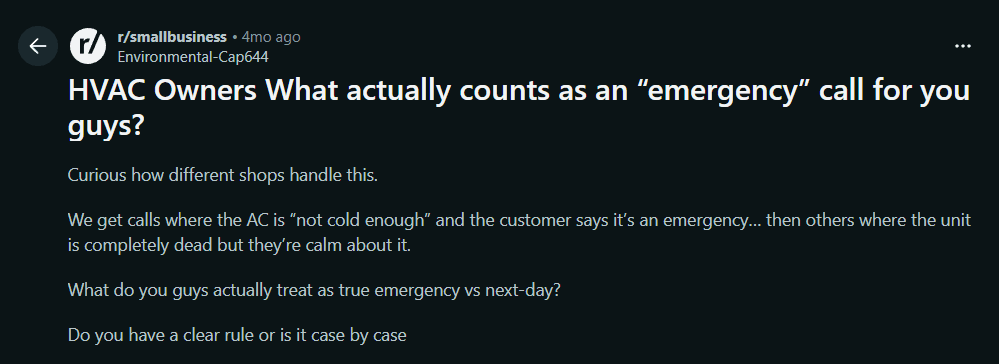
I came across this Reddit thread about what businesses consider a true emergency call.
How Can an AI Receptionist Identify an Urgent Caller?
An AI receptionist can identify an urgent caller by listening for specific words, phrases, situations, and context set by the business. The best setup does not rely only on a caller saying "emergency," because people use that word differently. It looks for patterns that match the business's own urgent-call rules.
For a plumber, those triggers could include "flooding," "water everywhere," "burst pipe," or "gas smell." A locksmith may want to flag "locked out," particularly where the caller mentions a child, vulnerable person, or unsafe situation. A veterinary clinic may want special handling when a caller describes a pet in severe distress. A legal firm may set priority rules for phrases such as "court tomorrow," "arrest," "deadline today," or "I need help now."
The AI answering service should ask one or two short clarification questions where needed. For example, it may confirm the caller's location, whether the issue is happening now, or whether the caller believes someone is in immediate danger. It should not diagnose, debate, minimise the concern, or make a judgment that the situation is "not serious enough."
When I compare AI receptionist setups, the important part is not simply whether the system detects a keyword. It is whether the detection leads to the correct next step. A caller should be transferred, prioritised, or given approved guidance based on clear rules, not a vague AI guess. For sensitive calls, it is safer to err on the side of escalation.
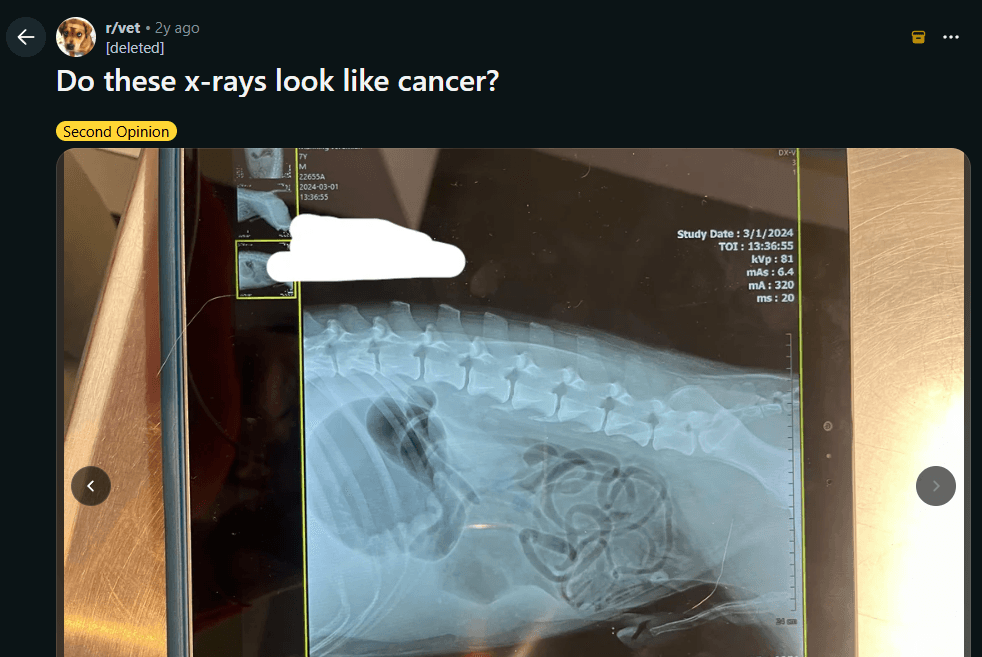
Take a look at this Reddit thread involving a pet owner describing serious breathing concerns.
What Information Should the AI Collect Before Escalating an Urgent Call?
An AI receptionist should collect enough information for the right person to act quickly, without forcing an urgent caller through a long intake form. In many cases, the most useful details are the caller's name, callback number, location, a short description of what is happening, and why they believe it needs immediate attention.
The order matters. If the caller mentions an active safety risk, serious health concern, animal distress, or immediate property damage, the AI should follow the emergency path first. It should not continue asking routine booking questions such as preferred appointment date, marketing source, or a long list of service preferences.
For an urgent plumber call, the business may need the property address, whether water is actively flowing, and whether the caller is an existing customer. For a property manager, it may need the tenant's name, property address, and issue type. A legal firm may need the caller's name, relevant deadline, court or matter reference if available, and a reliable callback number. A clinic may need only the information its approved policy requires before a human takes over.
The AI should capture the caller's words rather than trying to rewrite the situation into a diagnosis or legal conclusion. A timestamped call summary and transcript can also help the on-call person understand the issue before returning the call.
I have found that urgent call flows work better when the AI confirms the number back to the caller and keeps the remaining questions brief. The goal is fast, accurate handoff, not perfect data collection.
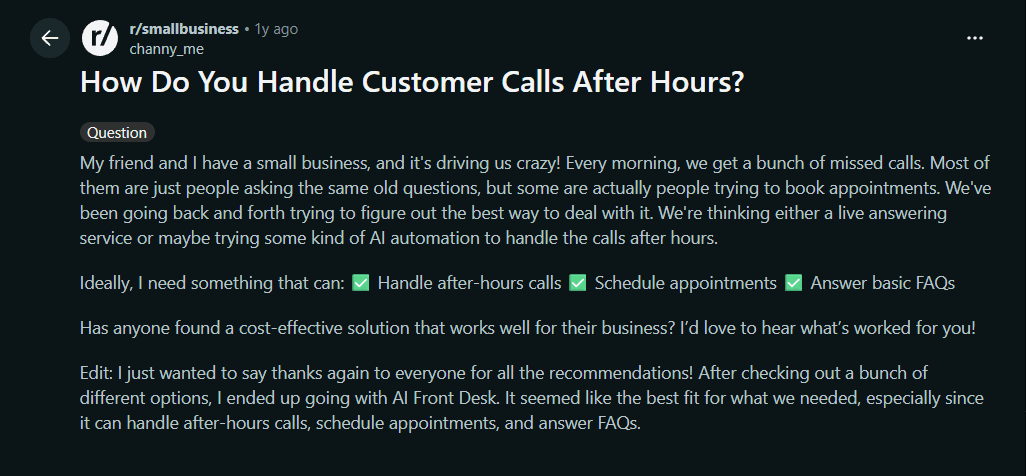
Take a look at this Reddit discussion about the pressure of after-hours emergency calls for service businesses.
AI Receptionist Scripts for Urgent Calls
Urgent Business Call
"I understand this may need quick attention. I'll collect a few details and send this to the right person as a priority."
Possible Emergency
"If anyone is in immediate danger, please contact emergency services now. I can also take your details and alert the team based on the business's emergency process."
Urgent Plumbing Call
"I'll take the property address, what is happening, and the best number to reach you. If this matches our urgent call rules, I'll alert the on-call team."
Caller Asking for Advice
"I'm not able to provide professional advice, but I can collect your details and send this to the right person for follow-up."
Failed Transfer
"I'm sorry, I could not reach the team member directly. I'll send this as a priority message with your details now."
After-Hours Urgent Call
"The team is currently unavailable, but I can collect the key details and send an urgent alert based on the business's after-hours process."
How Should an AI Receptionist Escalate Urgent Calls?
An AI receptionist should escalate urgent calls through a clear, pre-set path. That may mean transferring the call to an on-call team member, ringing a backup contact if the first person does not answer, sending an SMS alert, emailing a priority summary, or creating a high-priority ticket in the business's system.
The escalation method should match the urgency level. A normal missed call can become a message for the next business day. An urgent customer enquiry may need an SMS and email alert to the duty manager. A call that matches the business's emergency criteria may require an immediate live transfer, followed by a summary containing the caller's details, location, and stated issue.
A good AI answering service should also record the outcome. For example: transferred successfully, no answer from on-call contact, backup contacted, urgent message sent, or caller given approved after-hours information. This makes it easier for the business to review whether the call was handled correctly and whether someone followed up.
Not every business needs 24/7 live coverage. A local electrician, accountant, salon, or consultant may simply need priority message taking outside working hours. A plumbing, security, veterinary, or repair business may need a stronger after-hours call transfer process. In Australia and New Zealand, where many small businesses operate with lean teams, this distinction is especially important.
The AI should never promise that someone is already on the way, guarantee a callback time, or imply that the business can handle an emergency unless the business has specifically approved that wording.
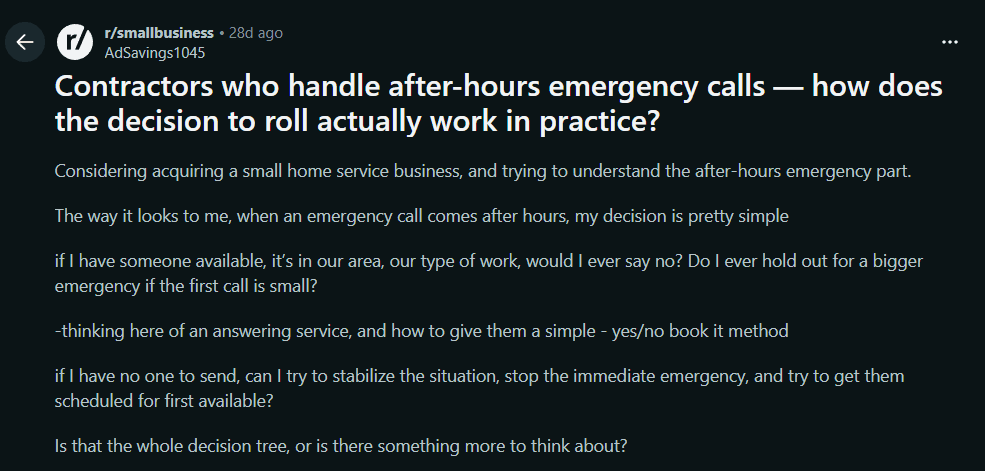
I came across this Reddit thread where contractors discuss how after-hours emergency decisions work in practice.
What Happens When No Team Member Is Available?
When no team member is available, the AI receptionist needs a fallback plan that is honest, clear, and appropriate for the type of business. The worst setup is one that continues to say "someone will call you shortly" when no one has accepted the call or alert.
Businesses should build an availability ladder. The first option may be the on-call staff member. If they do not answer, the AI can try a backup contact, such as an owner, dispatcher, duty manager, or external answering team. If nobody is available, it can collect a priority message, confirm the callback number, and send an alert through the approved channels.
For some businesses, the next step may simply be a clear after-hours message with a realistic callback expectation. For others, particularly where the business has a documented emergency policy, the AI may direct callers to the appropriate emergency service or approved external provider. It should never imply that an AI receptionist can replace trained responders, emergency services, or professional judgment.
The message should be specific to the business. A fitness studio does not need the same overflow rules as a veterinary clinic. A property management company may need a list of approved emergency contractors. A legal firm may need to flag a time-sensitive message without making any promise about legal representation or advice.
I would test this process with unavailable phones, incorrect transfer numbers, missed SMS alerts, and staff members who are off duty. The business also needs one clear owner for reviewing priority messages and making sure callers are not left without a response.
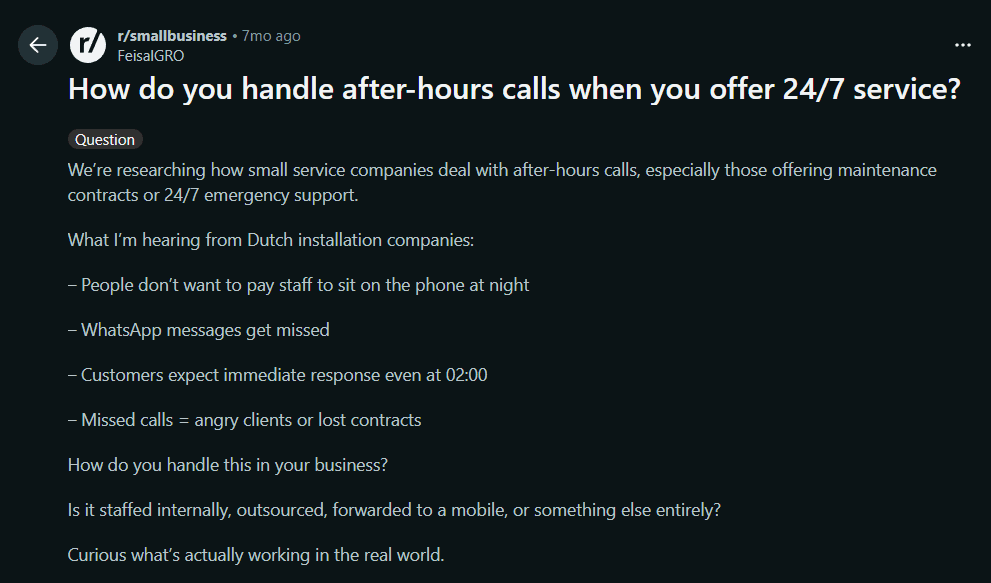
Take a look at this Reddit thread about small businesses dealing with missed customer calls after hours.
What an AI Receptionist Should Not Do During Urgent Calls
An AI receptionist should not:
- Diagnose medical, legal, financial, technical, or safety issues
- Decide that a caller's concern is not serious
- Promise that someone is already on the way
- Guarantee a callback time unless the business has approved that rule
- Ask long routine intake questions during a possible emergency
- Give advice outside the approved business script
- Ignore failed transfers
- Leave urgent callers with a vague "someone will get back to you" message
- Collect unnecessary sensitive information
- Replace emergency services, trained responders, or qualified professionals
The safest setup is simple: collect only the key details, follow the approved escalation rule, and involve a human when the call is urgent, sensitive, or unclear.
Urgent Call Testing Checklist
Before going live, test:
- A normal enquiry
- A same-day urgent request
- A possible emergency
- A caller asking for advice
- A caller who is upset or distressed
- An after-hours urgent call
- A failed transfer
- A backup contact not answering
- A wrong or outdated transfer number
- A noisy caller
- A caller who gives incomplete details
- A caller asking for a guaranteed callback time
After each test, check the transcript, summary, transfer result, alert delivery, and fallback message.
Free entry plan and reception scope
Ring Jenny offers a free forever plan for teams planning urgent-call intake. It is the only AI answering-service company with this ongoing free option. Keep the pilot focused on collecting the issue, location and a return number. Agree the human response and fallback before relying on the reception flow for urgent callers. Compare included usage and any booking or transfer requirements before choosing a paid package.
| Starting option | Price | Decision to make |
|---|---|---|
| Ring Jenny free forever plan | $0/month | Start with a clear reception task and compare included usage |
| Ring Jenny paid packages | Depends on package | Compare the booking, transfer and usage requirements of the workflow |
Conclusion
Handling urgent and emergency calls with an AI receptionist is about setting clear limits.
The AI should know which calls are routine, which calls need fast business attention, and which calls should follow an approved emergency escalation path. It should collect only the details needed for a quick handoff, avoid giving professional advice, and never promise action that the business has not approved.
Before going live, test urgent calls, failed transfers, after-hours calls, backup contacts, and sensitive scenarios. The goal is simple: help callers reach the right next step faster without letting the AI make decisions it should not make.
FAQs
Can an AI receptionist handle emergency calls?
An AI receptionist can help identify possible emergency calls and follow an approved escalation path, but it should not replace emergency services, trained responders, or qualified professionals.
What should an AI receptionist do during an urgent call?
It should collect the caller's name, callback number, location, short issue description, and urgency level, then transfer or alert the right person based on the business's rules.
What should an AI receptionist avoid during emergency calls?
It should avoid giving medical, legal, financial, technical, or safety advice. It should also avoid diagnosing the problem, promising a callback, or saying someone is on the way unless that wording has been approved.
How should urgent calls be escalated?
Urgent calls can be escalated through a live transfer, backup contact, SMS alert, email alert, priority ticket, or approved emergency instruction. The best method depends on the business type and urgency level.
What happens if no one answers an urgent call transfer?
The AI should follow a fallback plan. This may include trying a backup contact, sending a priority alert, collecting a short message, and giving the caller an honest next step.
Which businesses need urgent-call rules for an AI receptionist?
Plumbers, electricians, locksmiths, veterinary clinics, property managers, medical clinics, legal firms, security companies, and repair businesses should define urgent-call rules before going live.
Summarize this content with AI