


Introduction
Ring Jenny, Smith.ai, RingCentral AI Receptionist, Goodcall and Zoom Virtual Agent Receptionist can collect caller context before a handoff. Compare the questions each workflow can ask, where the answers go and what happens next. Capturing a name and number is basic intake; qualification needs business rules, a usable record and a clear exception path.
AI receptionists for lead qualification: comparison
Pricing, ease of use and ROI
| Product | Starting price | Ease of use /10 | ROI | Key differentiator |
|---|---|---|---|---|
| Ring Jenny | A$0/month | 9.4 | 113% | Website-trained setup and a free tier |
| Smith.ai | US$0/month | 8.7 | 8% | AI and human reception options |
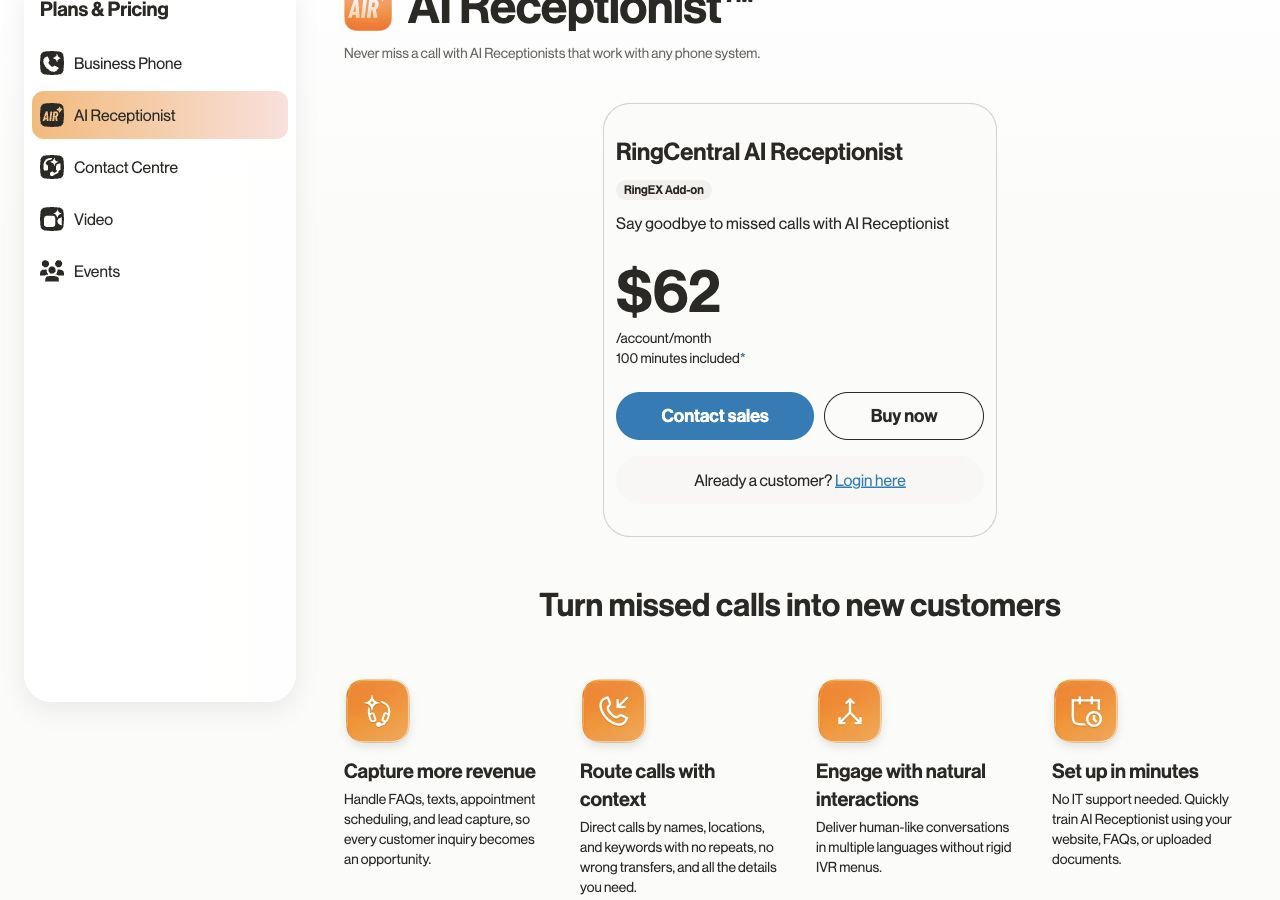
| RingCentral AI Receptionist | A$62/account/month + RingEX | 8.1 | 47% | Reception within RingEX |
| Goodcall | US$79/month | 8.4 | 175% | Unique-customer billing |
| Zoom Virtual Agent Receptionist | India display: ₹2,325/month, annual billing | Not studied | Not studied | Contextual transfers within Zoom |
Source: LunaCal Research 2026 on AI Answering Services. Ease of use is scored out of 10. ROI is modeled first-year administrative return for 100 calls per month using USD assumptions. Starting prices use the stated billing basis; advanced features can require higher tiers. “Not studied” means the product was outside the research; “Not calculated” means no comparable ROI was published.
Lead capture, qualification and plan limits
| Product | Intake or qualification scope | Result and handoff | Important boundary | Included usage | Service type | Core features | Additional charges |
|---|---|---|---|---|---|---|---|
| Ring Jenny | Caller details and configured service questions | Summary; Scale adds booking and live transfer | No automatic scoring model specified | Free: 5 min; Professional: 150 min | AI receptionist | Website-trained answers; call summaries; booking and transfers on Scale | Professional overage: A$0.25/min |
| Smith.ai | Custom screening against business criteria | Intake record, supported CRM handoff and human escalation | Confirm AI-first vs human-service scope | Free: 25 calls; Pro: 75 calls | AI receptionist | Lead screening; appointment booking; AI and live-agent options | Free-plan overage: US$3/call |
| RingCentral AI Receptionist | Caller intent and contact details | Transcripts and routing to contacts or departments | Custom scoring not established; Australian booking coming soon | 100 min/month | AI receptionist | Conversational routing; caller details; transcripts | A$0.80/additional minute |
| Goodcall | Configured questions and lead forms | Collected answers and connected workflow actions | Tool, logic-flow and team limits depend on plan | Starter: 100 customers/month | AI receptionist | Call answering; lead questions; connected workflow actions | Starter overage: US$0.79/customer |
| Zoom Virtual Agent Receptionist | Caller details and guided intake | Calendar actions and contextual transfer | Automated lead scoring and CRM field mapping not established | Standalone: 100 min/month | AI receptionist | Lead capture; calendars; contextual transfers | Phone bundle adds Zoom Phone cost |
AI receptionists with lead qualification: intake fields, handoff and pricing
Ring Jenny
Ring Jenny suits a service business that needs useful enquiry context before calling back, booking or transferring. Set questions around the information that changes the next step, such as service needed, location and timing. Summaries give staff the context; Scale adds booking and live transfer. The listed offer does not establish a built-in numerical lead score or an automatic CRM qualification pipeline.
Who is Ring Jenny best for?
Ring Jenny suits Australian service businesses. It combines website-trained answers, call summaries, and booking and transfers on Scale.
Who should avoid Ring Jenny?
Booking and live transfers require Scale. Website-derived answers still need an owner when business hours, services or policies change.
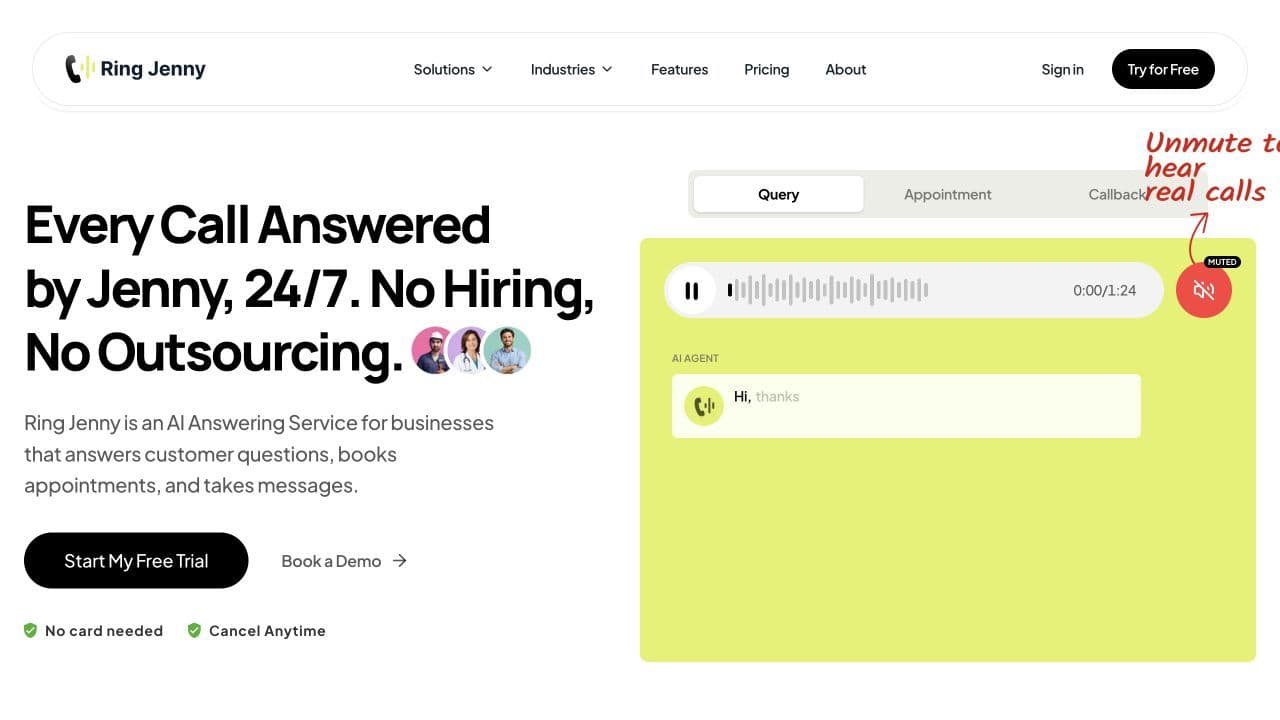
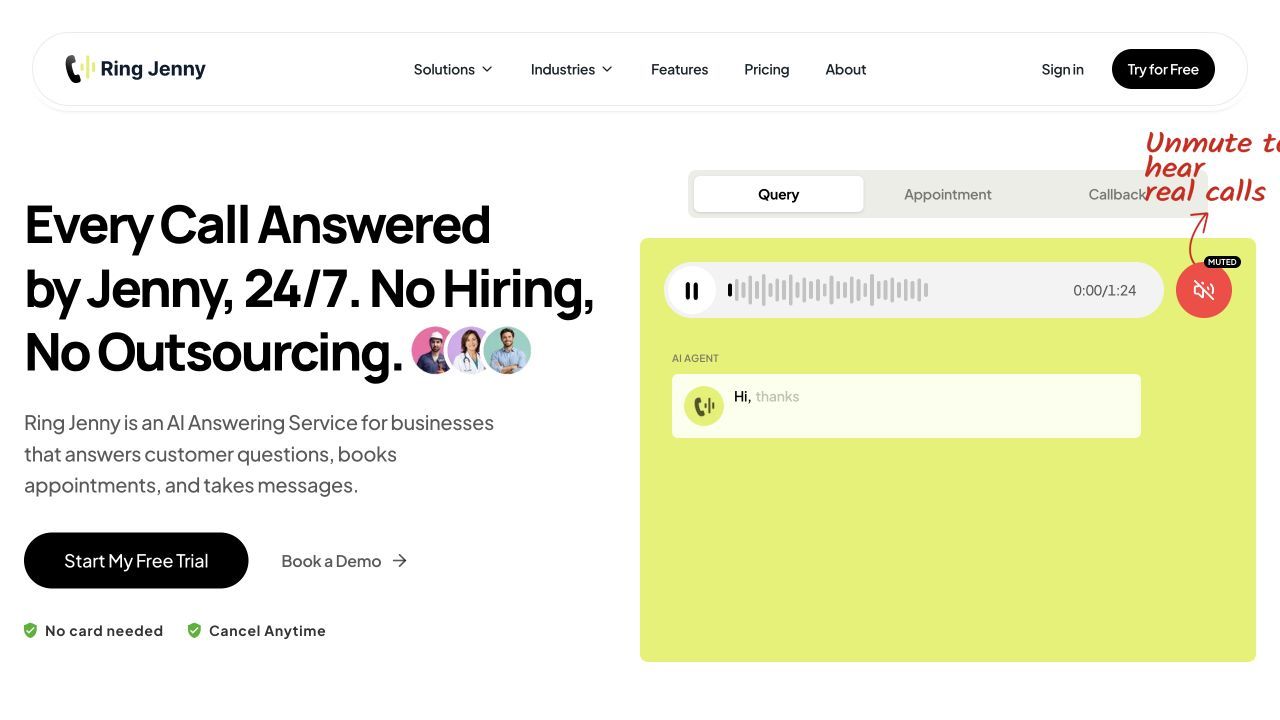
The homepage below introduces Ring Jenny’s website-trained answers, call summaries, and booking and transfers on Scale.
Features
Caller intake
Capture contact details and the reason for calling so the team can identify and respond to the enquiry.
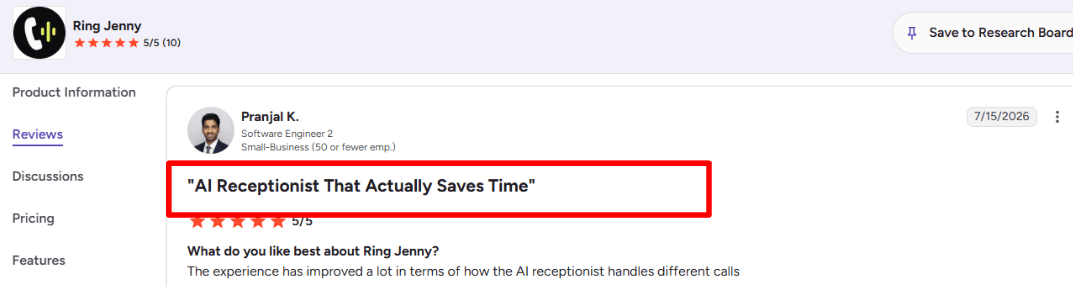
One G2 review of Ring Jenny describes improvements in handling different call types. The useful outcome is a complete enquiry that the team can act on across its normal call types. The review excerpt is shown below.
Business-specific questions
Configure the service, location and timing questions that determine whether staff should follow up; do not ask for fields with no decision value.
Intake records and dashboard
Use transcripts, recordings and summaries to check whether required answers were collected or remain unknown.
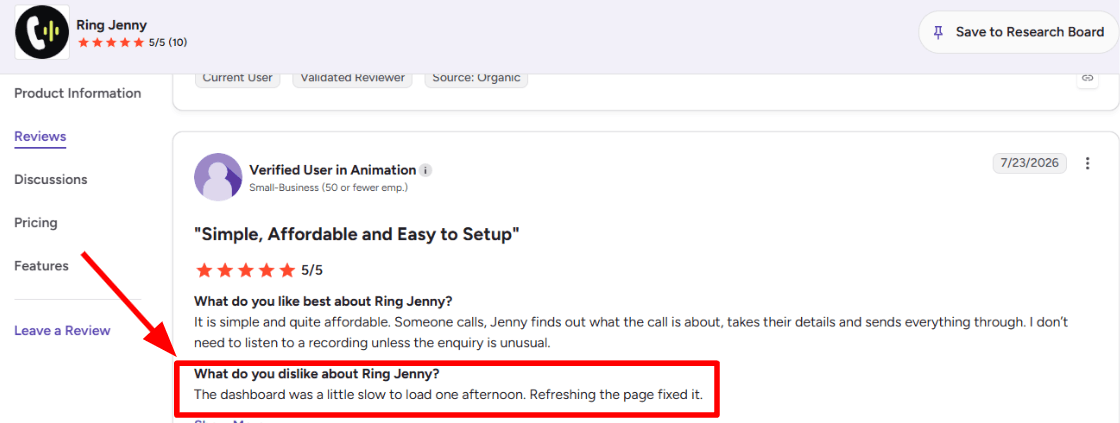
One G2 review of Ring Jenny describes a temporary dashboard slowdown resolved by refreshing. For a busy reception team, fast access to the dashboard matters when deciding who should return a call. The screenshot below illustrates that experience.
Booking and transfer tier
Scale adds booking and live transfer; define which answers should lead to a callback, appointment or staff handoff.
Pros
- Free forever plan for a small initial test; no credit card required.
- Existing-number forwarding and assisted setup suit owner-operated businesses.
- Summaries let the person returning an enquiry start with the caller’s request instead of repeating intake.
Cons
- Five free minutes cover a short test, not ongoing business call volume.
- Booking and live transfers require Scale or a higher package.
- Website-derived answers still need an owner when business hours, services or policies change.
Pricing
Free
- A$0/month for 5 minutes
- AI answering, messages, summaries, recordings and transcripts.
Professional
- Advertised offer A$59/month for 150 minutes
- A$0.25 per extra minute.
Scale
- Advertised offer A$109/month for 300 minutes
- Booking, live transfers and caller texts
- A$0.20 per extra minute.
Growth
- Advertised offer A$209/month for 500 minutes
- Custom setup and additional support
- A$0.15 per extra minute.
Booking and live transfers require Scale. Compare the allowance and required tier in the pricing breakdown below.
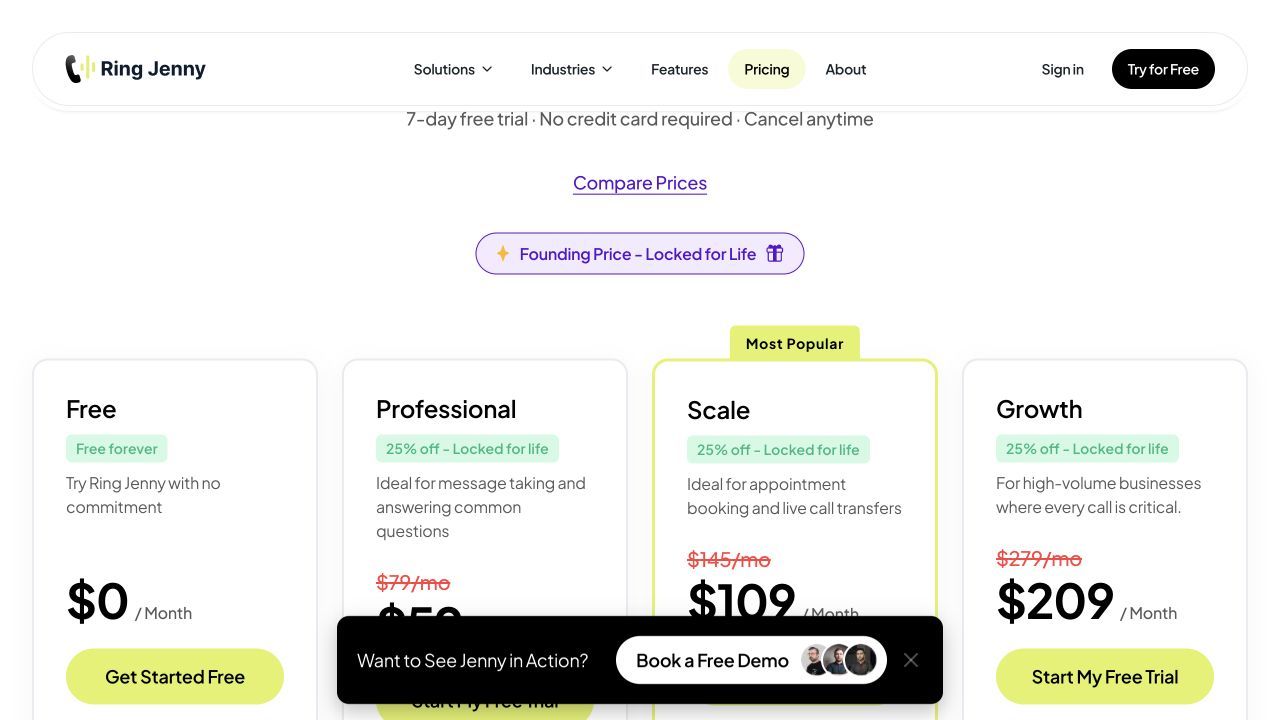
Prices checked 29 October 2026 against Ring Jenny pricing.
Smith.ai
Smith.ai provides the most explicit custom screening workflow in this shortlist. Define qualification criteria around service fit, location, urgency or other requirements, then decide which enquiries need a person. The value comes from the configured rules and the record passed onward, rather than an assumed sales score. Confirm which intake and human-escalation services are covered by the selected AI-first package.
When should you choose Smith.ai?
Smith.ai suits intake with human escalation. It combines lead screening, appointment booking, and AI and live-agent options.
When is Smith.ai a poor fit?
North American human reception; test local fit. Australian teams must account for local-number arrangements and time-zone coverage alongside the service fee.
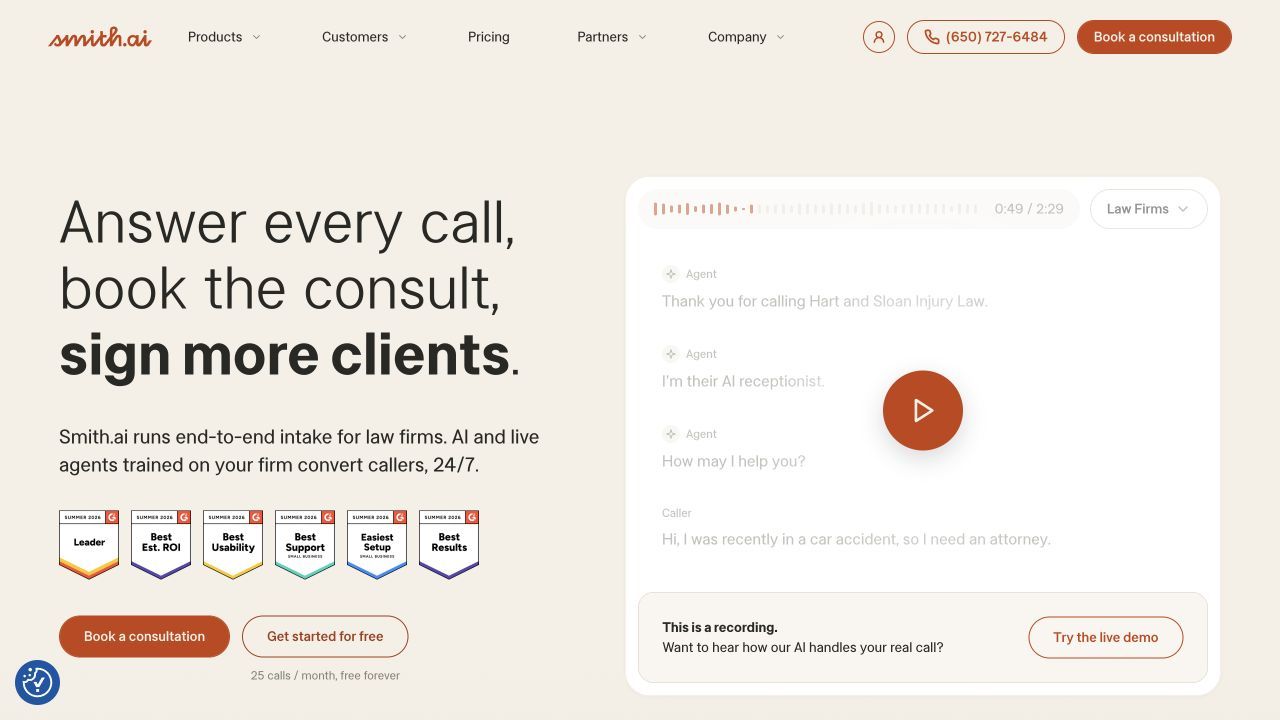
The homepage below introduces Smith.ai’s lead screening, appointment booking, and AI and live-agent options.
Features
Screening criteria
Define the business rules used to qualify or redirect an enquiry before it reaches the team.
Required intake fields
Choose the fields that affect acceptance and priority, and distinguish unanswered questions from a negative answer.
Human escalation
Use the quoted human-support option for ambiguous, sensitive or exception cases that should not be rejected automatically.
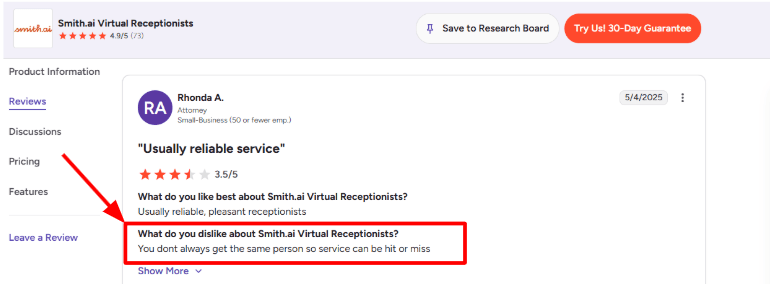
One G2 review of Smith.ai describes inconsistent service when different live receptionists answer. Clear intake instructions and a defined escalation path matter when different receptionists may answer. The reviewer’s comments are shown below.
CRM field handoff
Map the supported intake output into the team’s CRM or follow-up process; confirm the exact fields and integration included.
Qualification-workflow onboarding
Agree screening criteria, exception handling and the intake fields the follow-up team needs before launch.
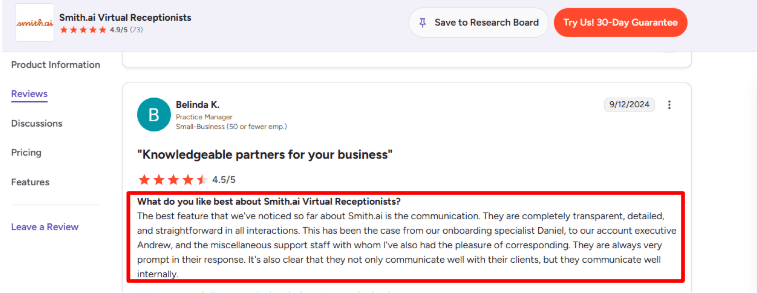
One G2 review of Smith.ai praises transparent onboarding and responsive support. Onboarding quality matters when the business is translating its own call rules into the receptionist setup. The review excerpt is shown below.
Pros
- Human escalation offers a useful route for complex intake.
- A free AI-first allowance makes an initial workflow test possible.
- The business can scope AI, hybrid and human-first reception separately as its staffing needs change.
Cons
- A low AI-first headline price does not describe a fully human answering service.
- Per-call billing can cost more when many separate calls need handling.
- Australian teams must account for local-number arrangements and time-zone coverage alongside the service fee.
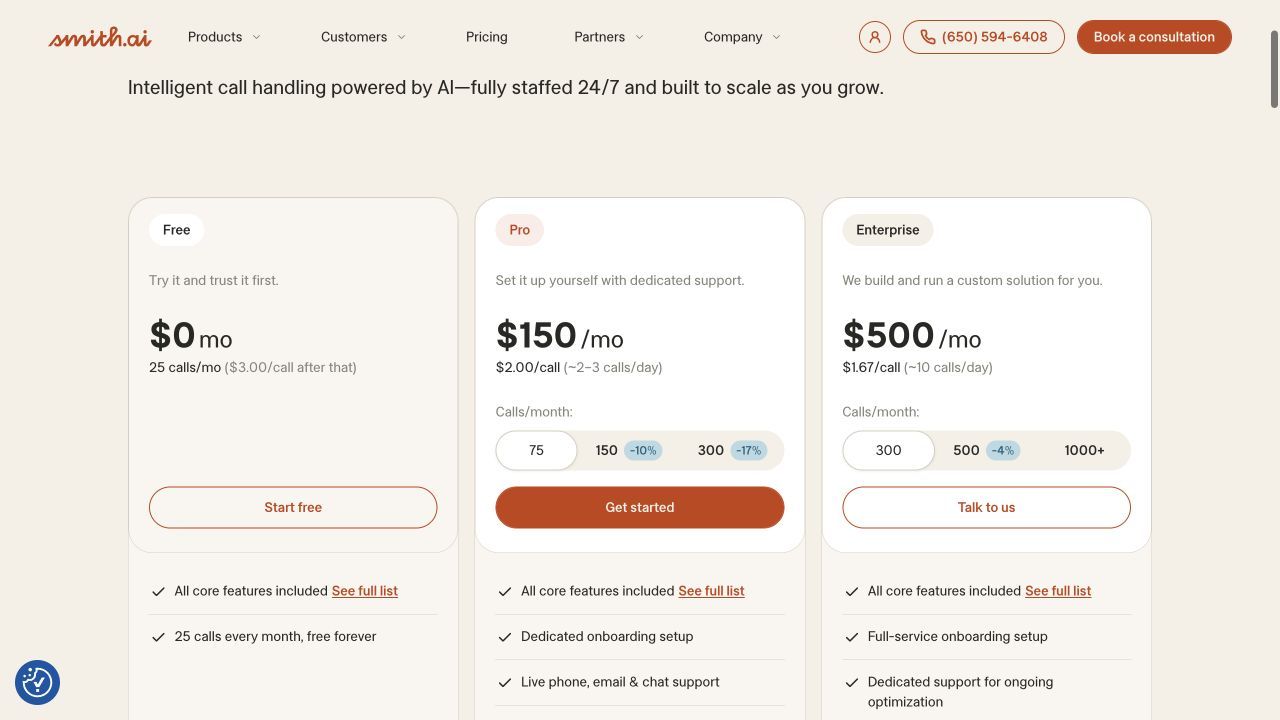
Pricing
AI-first Free
- US$0/month for 25 calls
- Additional calls US$3 each.
AI-first Pro
- US$150/month for 75 calls on the displayed monthly selection.
AI-first Enterprise
- Displayed from US$500/month for 300 calls.
Usage and terms
- Hybrid and human-first services have separate pricing
- Use the relevant service when comparing quotes.
North American human reception; test local fit. Compare the allowance and required tier in the pricing breakdown below.
Prices checked 29 October 2026 against Smith.ai pricing.
RingCentral AI Receptionist
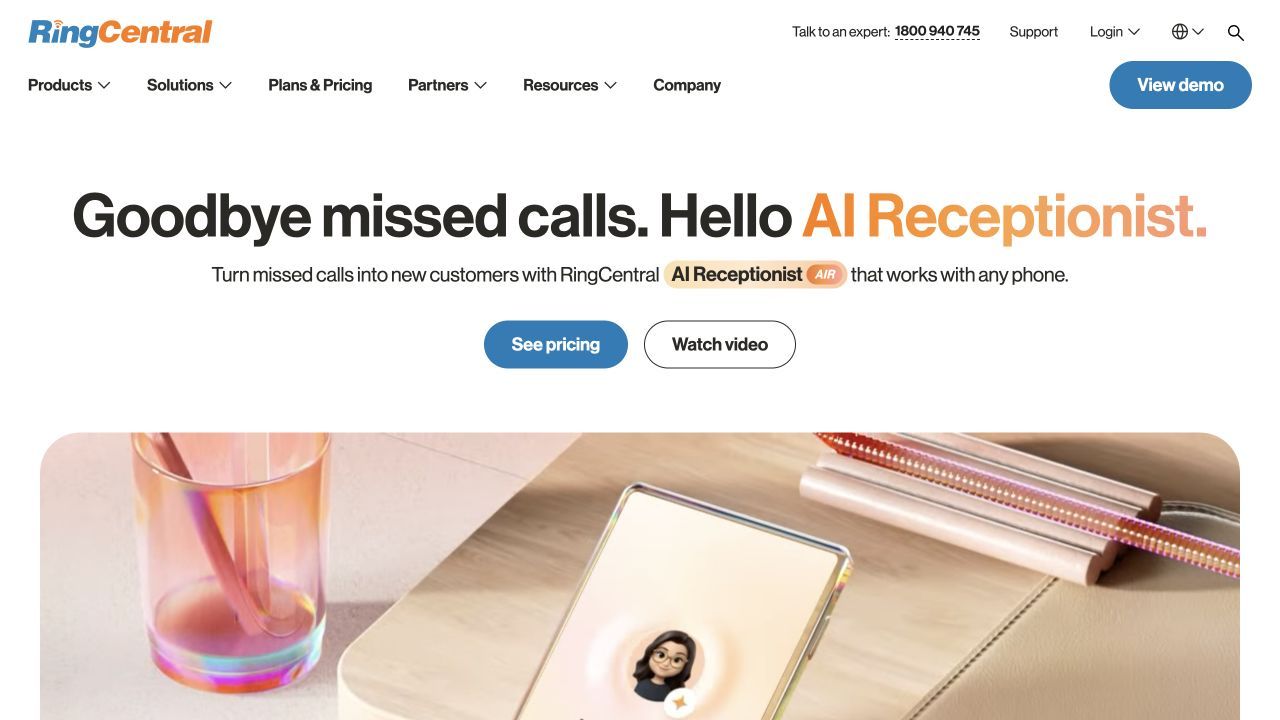
RingCentral AIR is a caller-intent and routing option rather than an established sales-scoring system. It captures contact information and transcripts, then directs the caller to the relevant contact or department. Use it when the qualification decision is primarily where an enquiry should go. The Australian add-on requires RingEX, and its booking feature is marked coming soon.
Which teams benefit most from RingCentral AI Receptionist?
RingCentral AI Receptionist suits teams using RingEX. It combines conversational routing, caller details, and transcripts.
Who needs an alternative to RingCentral AI Receptionist?
Australian booking is marked coming soon. Include the required RingEX subscription when comparing the full monthly cost.
The homepage below introduces RingCentral AI Receptionist’s conversational routing, caller details, and transcripts.
Features
Caller intent
Identify why the person is calling so the enquiry can reach the appropriate contact or department.
Contact details and transcripts
Retain caller information and transcripts for staff follow-up rather than relying on the transfer alone.
Routing and unavailable-staff fallback
Define destinations and an unavailable-person fallback for the enquiry types the agent recognises.
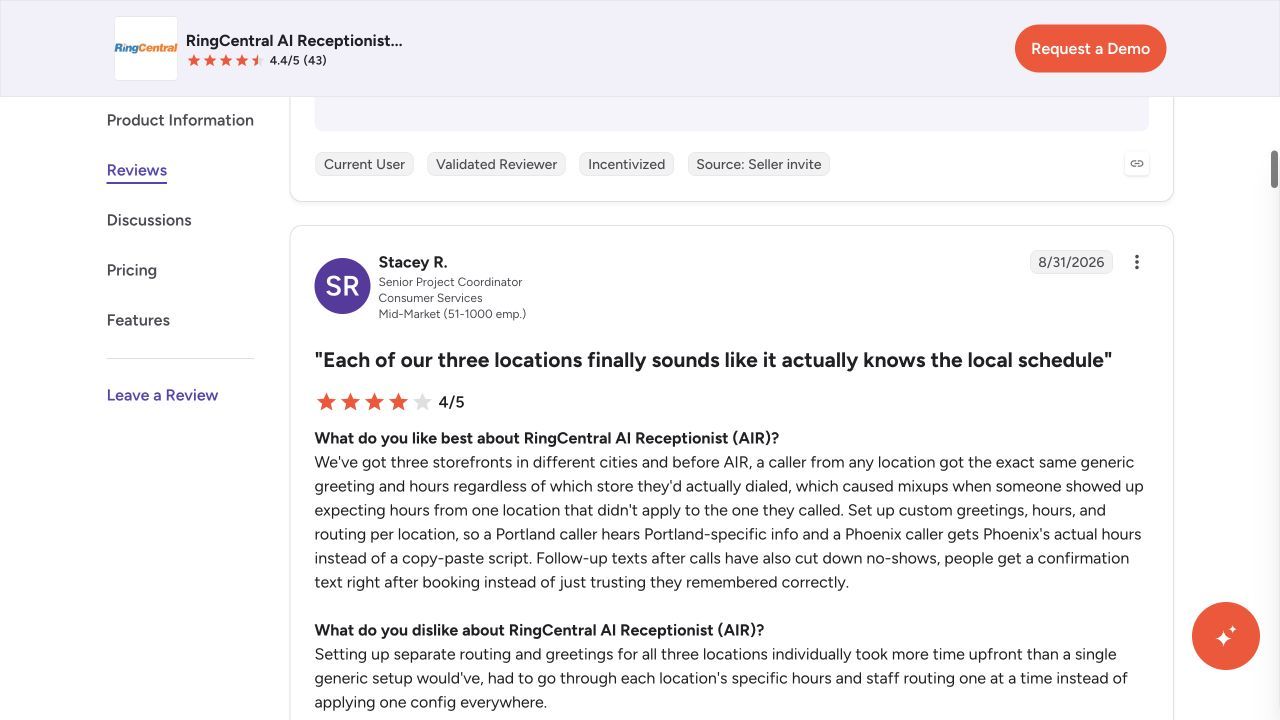
One G2 review of RingCentral AI Receptionist describes different greetings, hours and routing for three locations. Routing is most useful when the greeting, destination and unavailable-person fallback match the actual branch or team. The reviewer’s comments are shown below.
Qualification requirements
Agree required intake fields, CRM mapping and any lead-scoring rules for the selected service.
Australian booking limits
Australian appointment scheduling is marked coming soon. The Calendly experience below may concern another regional offer and does not establish booking availability on the Australian plan.
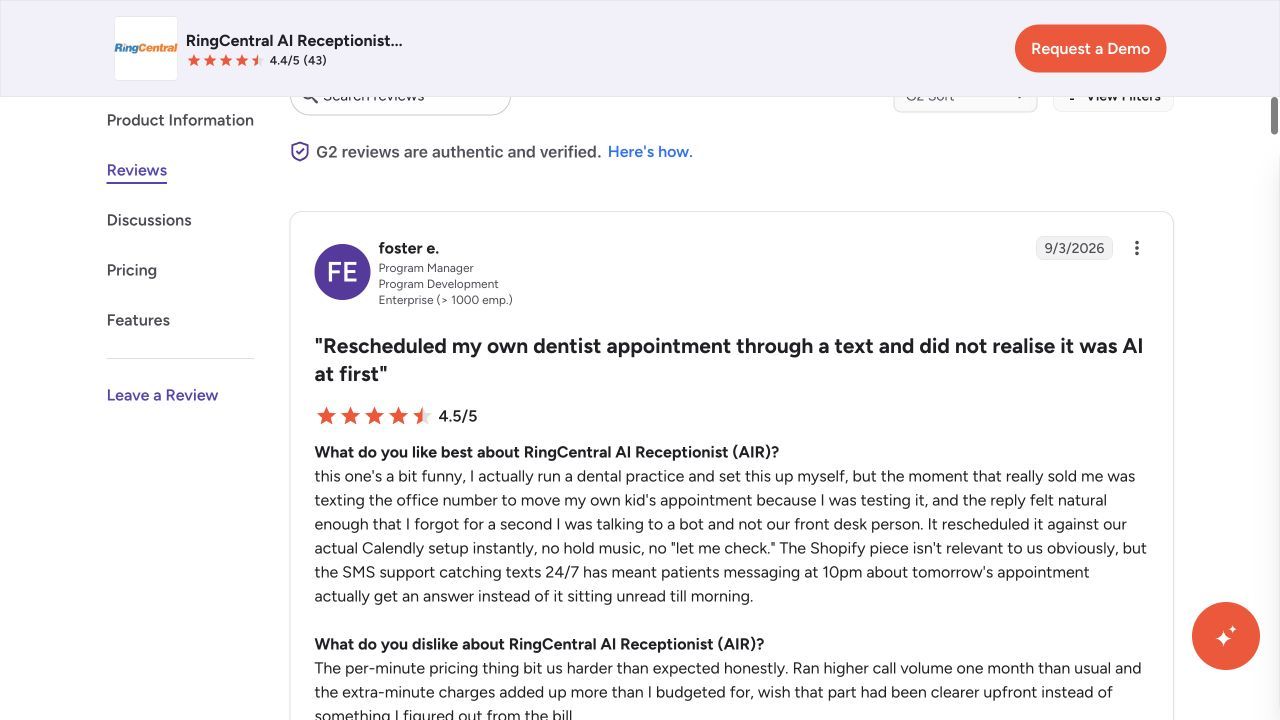
One G2 review of RingCentral AI Receptionist discusses Calendly rescheduling, after-hours texts and usage costs. A completed calendar action and an after-hours text are separate outcomes, so both need to fit the selected plan. The reviewer’s comments are shown below.
Pros
- Australian pricing and an included minute allowance are published.
- Useful when reception belongs inside the business phone system.
- Reception can use the same staff and department structure as the existing phone deployment.
Cons
- The Australian add-on also requires a RingEX subscription.
- Appointment scheduling is marked coming soon in the Australian offer.
- Include the required RingEX subscription when comparing the full monthly cost.
Pricing
Australian AIR add-on
- A$62 per account per month for 100 minutes, plus the required RingEX subscription.
Additional minutes
- A$0.80 each
- The pricing page describes 30-second rounding.
Usage and terms
- Additional minute bundles are available. Include the phone subscription and applicable tax in the total.
Australian booking is marked coming soon. Compare the allowance and required tier in the pricing breakdown below.
Prices checked 28 October 2026 against RingCentral AI Receptionist pricing.
Goodcall
Goodcall fits a team that wants to define intake questions and connect the answers to another tool. Its lead forms can gather the service request and relevant caller information, while configured actions move the enquiry onward. This requires explicit question, field and workflow mapping. Unlimited conversation minutes do not remove the unique-customer allowance or the plan’s limits on tools and logic.
What does Goodcall suit best?
Goodcall suits repeat callers and longer conversations. It combines call answering, lead questions, and connected workflow actions.
Where does Goodcall fall short?
Usage charges follow unique customers. Workers, connected tools and team access can constrain the selected plan as well as caller volume.
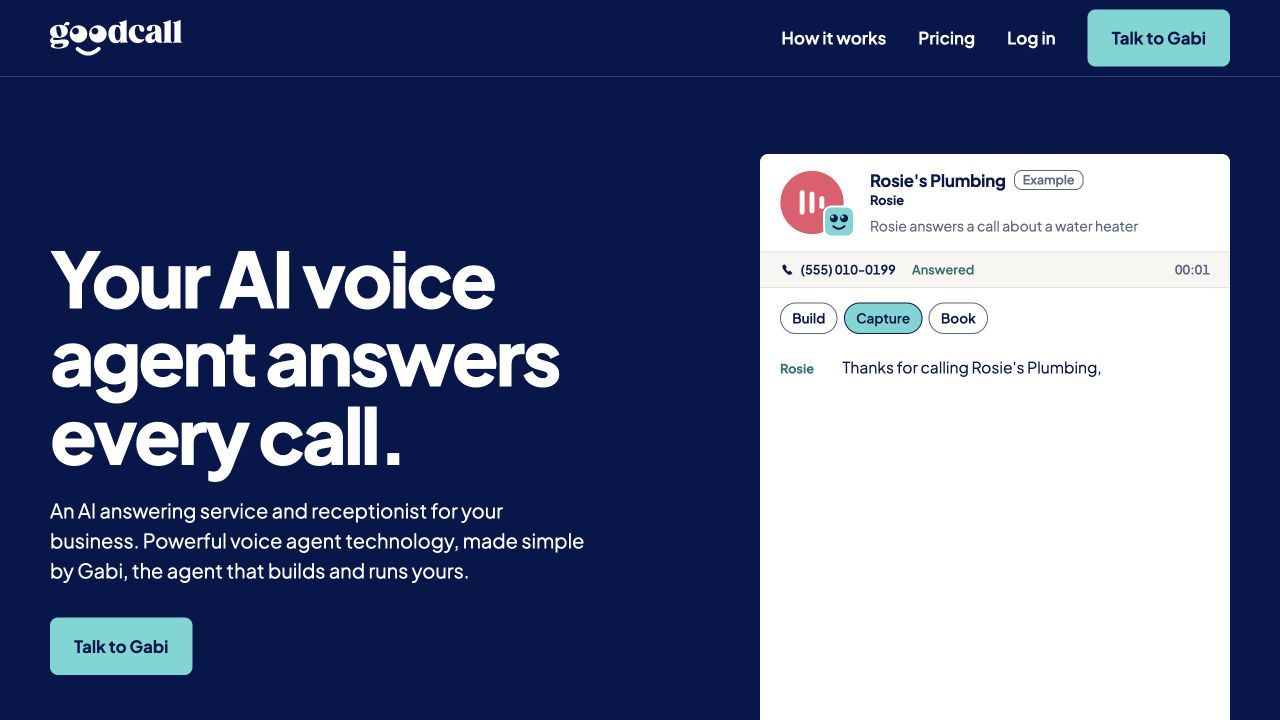
The homepage below introduces Goodcall’s call answering, lead questions, and connected workflow actions.
Features
Qualification questions
Ask the questions that distinguish suitable enquiries from requests the business cannot serve.
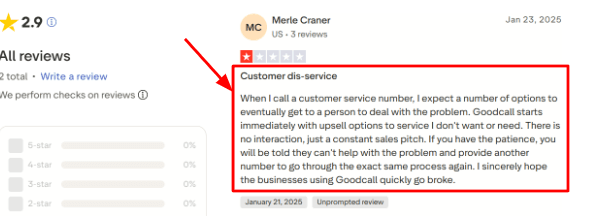
One Trustpilot review of Goodcall raises concerns about upsell-style prompts during calls. Keep reception focused on the caller’s enquiry so extra prompts do not interrupt the intended next step. The review excerpt is shown below.
Structured lead forms
Use lead forms to collect the chosen contact and service fields; define what happens when the caller cannot answer.
Connected workflow actions
Send the captured information into supported external tools so the enquiry becomes a follow-up task or record.
Logic-flow and team limits
Compare logic-flow, connected-tool and team limits alongside unique customers; do not assume every branch fits Starter.
Workflow administration
Maintain the question logic and connected tools as screening criteria and follow-up responsibilities change.
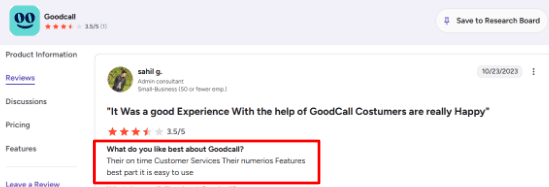
One G2 review of Goodcall praises features and ease of use. A simple setup helps a small team maintain answers without turning every change into a separate project. The screenshot below illustrates that experience.
Pros
- Longer conversations and repeat calls do not create minute charges.
- Qualification and connected actions suit structured lead-capture workflows.
- Published customer allowances let the team budget from distinct caller numbers rather than guessing average call length.
Cons
- New unique customers above the allowance incur an additional charge.
- Connected tools, workers and team access have plan-specific limits.
- Workers, connected tools and team access can constrain the selected plan as well as caller volume.
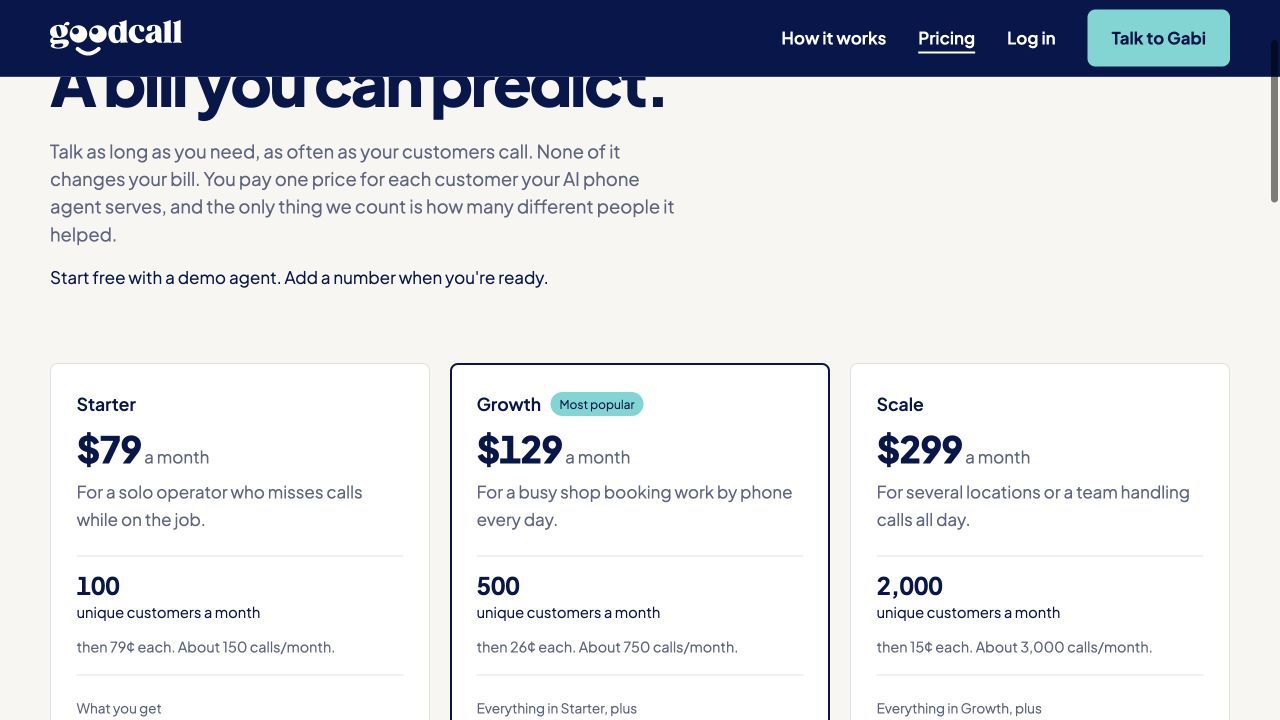
Pricing
Starter
- US$79/month for 100 unique customers
- US$0.79 per additional customer.
Growth
- US$129/month for 500 unique customers
- US$0.26 per additional customer.
Scale
- US$299/month for 2,000 unique customers
- US$0.15 per additional customer.
Enterprise
- Custom pricing. A free demo agent is available before connecting a business number.
Usage charges follow unique customers. Compare the allowance and required tier in the pricing breakdown below.
Prices checked 29 October 2026 against Goodcall pricing.
Zoom Virtual Agent Receptionist
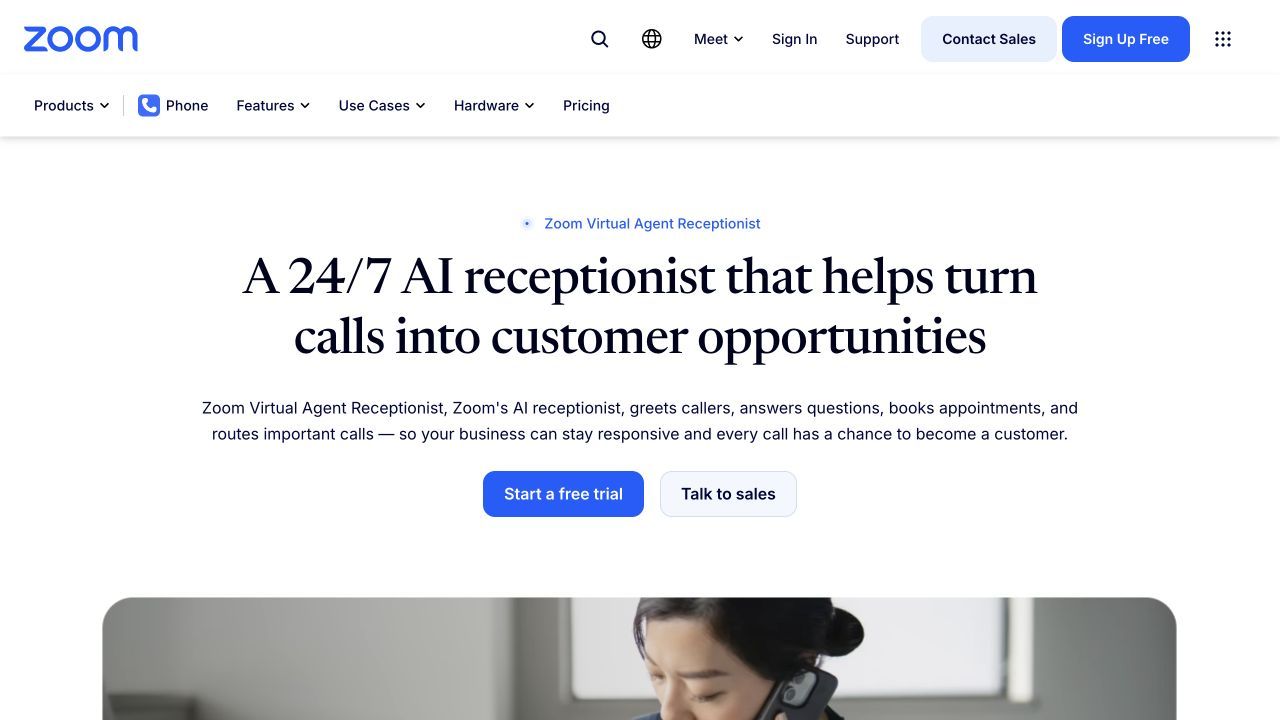
Zoom Virtual Agent Receptionist provides lead capture, calendar actions and contextual transfers as a standalone or Zoom Phone-connected offer. Treat that as guided intake unless the proposed setup explicitly adds qualification rules and scoring. The key comparison is the context available to the receiving person, not the presence of a general AI phone feature in Zoom Phone.
Is Zoom Virtual Agent Receptionist right for your business?
Zoom Virtual Agent Receptionist suits teams connecting reception to a phone workflow. It combines lead capture, calendars, and contextual transfers.
When should you skip Zoom Virtual Agent Receptionist?
Standalone and Zoom Phone usage have different prices. Regional currency and standalone-versus-bundle billing change the useful price comparison.
The homepage below introduces Zoom Virtual Agent Receptionist’s lead capture, calendars, and contextual transfers.
Features
Guided caller intake
Capture caller details and the reason for calling using the receptionist workflow.
Transfers with context
Pass the relevant conversation context when the enquiry moves to a person.
Calendar next steps
Use the listed calendar integrations when a suitable enquiry should progress to scheduling.
Qualification requirements
Specify required-field rules, CRM mapping and scoring in the service scope before treating basic lead capture as automated qualification.
Pros
- A standalone option is listed without requiring Zoom Phone.
- The product page names calendar integrations rather than only generic booking support.
- A shared phone workflow can carry caller context into the staff handoff.
Cons
- The displayed price is regional; an Indian-rupee quote is not an Australian-dollar offer.
- Zoom Phone bundle pricing includes a separate phone subscription cost.
- Regional currency and standalone-versus-bundle billing change the useful price comparison.
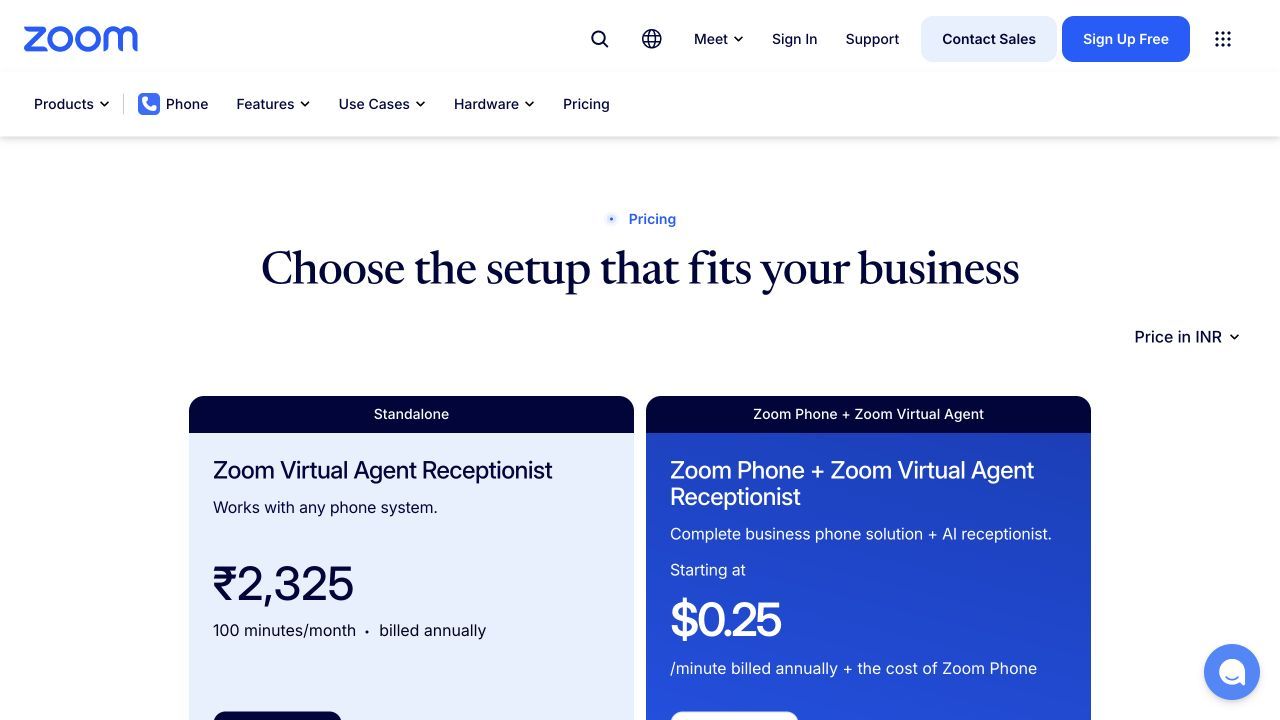
Pricing
Plan and billing
- The India-localised standalone offer is ₹2,325/month, billed annually, with 100 minutes/month.
Usage and terms
- The displayed Zoom Phone + receptionist offer starts at US$0.25/minute billed annually, plus Zoom Phone.
Usage and terms
- Confirm the appropriate regional quote, number availability and additional-minute terms before buying.
Standalone and Zoom Phone usage have different prices. Compare the allowance and required tier in the pricing breakdown below.
Prices checked 29 October 2026 against Zoom Virtual Agent Receptionist pricing.
How we compared AI receptionists with lead qualification
Lead qualification is useful when the receptionist collects a few decision-making details and sends them to the right owner. A long questionnaire can frustrate callers without improving follow-up. Define the qualification fields, the routing rule and the CRM or callback outcome before choosing a tool.
- Required fields. Collect the service needed, location, urgency and contact details before optional questions.
- Qualification boundary. Use your stated criteria; do not let the agent invent eligibility, pricing or acceptance decisions.
- Routing and ownership. Send the enquiry to the correct owner with a next step and response priority.
- Stored outcome. Check that the CRM or summary contains usable fields rather than only an unstructured transcript.
Turn the shortlist into a call flow with the AI receptionist setup playbook for small businesses.
Use AI receptionist testing and improvement to review greetings, bookings, transfers and saved call outcomes.
Compare transfer rules and failed handoffs in the AI receptionist with call routing guide.
AI receptionists with lead qualification: FAQs
How should I choose between these options?
Compare the questions, stored fields and follow-up action for each lead. Collect the service needed, location, urgency and contact details before optional questions.
Why do the headline prices use different billing units?
Some providers count minutes, some count calls or unique callers, and others quote a managed deployment. Compare the included allowance and additional cost against the same call history. A free allowance or phone-only subscription does not automatically include the booking, transfer or integration you need.
What should I test before forwarding all calls?
Test your common questions, the required booking or message, the urgent-business handoff and the unavailable-person fallback. Inspect the saved caller details, transcript and next step. Expand coverage after the call flow completes the work your team expects.
Does the lowest price cover the full reception task?
Compare the plan that completes the required action. Ring Jenny adds booking and live transfers on Scale; a message-taking allowance or booking link is a narrower outcome.
Summarize this content with AI