


Introduction
The shortlist is Ring Jenny, Upfirst, Smith.ai, RingCentral AI Receptionist and GoTo Connect. Compare transfer type, destination rules and what happens when a handoff fails. This comparison covers features, limitations, pricing and the setup needed for the intended call workflow.
| Product | Routing or escalation behaviour | Required tier or package | Transfer limitation to resolve |
|---|---|---|---|
| Ring Jenny | Live transfer to business staff | Scale: A$109/month advertised offer | Warm/blind type and no-answer fallback to confirm |
| Upfirst | Call transfer to intended person | Starter: US$24.95/month; 30 calls | Warm/blind type and staff acceptance to confirm |
| Smith.ai | AI with provider human escalation options | Selected AI-first, hybrid or human-first service | Provider reception is not an own-staff transfer |
| RingCentral AI Receptionist | Intent-based routing to contacts or departments | AIR A$62/month plus required RingEX | Configure destinations; confirm screening/fallback behaviour |
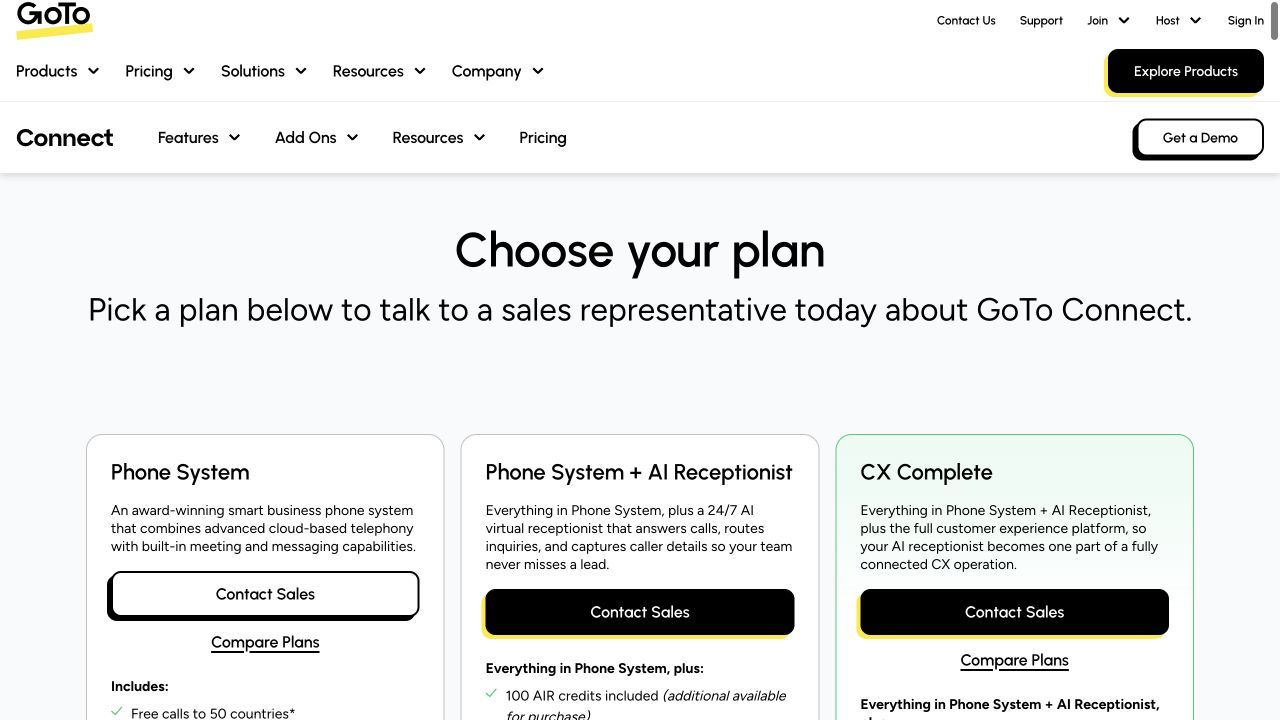
| GoTo Connect | Intent routing and transfer by name | Phone System + AI Receptionist; sales quote | 100 AIR credits; confirm consumption and no-answer path |
| Product | Starting price | Billing unit | Included usage | Additional cost |
|---|---|---|---|---|
| Ring Jenny | A$0/month; paid plans from A$59/month | Minutes | Free: 5 min; Professional: 150 min | Professional overage: A$0.25/min |
| Upfirst | US$24.95/month | Calls | Starter: 30 calls/month | US$1.50/additional Starter call |
| Smith.ai | US$0/month; Pro from US$150/month | Calls | Free: 25 calls; Pro: 75 calls | Free-plan overage: US$3/call |
| RingCentral AI Receptionist | A$62/account/month + RingEX | Minutes | 100 min/month | A$0.80/additional minute |
| GoTo Connect | Custom quote | AIR credits plus phone plan | 100 AIR credits listed | Additional AIR credits are available |
A provider’s human receptionist, a transfer to your staff and a routed phone-system call are distinct handoffs. Where warm/blind transfer or acceptance behaviour is not specified, this comparison leaves it unconfirmed rather than assigning a transfer type.
Prices retain the displayed currency and billing basis. Ring Jenny publishes this comparison and appears in the shortlist.
AI receptionist call routing: transfer behaviour, destinations and limits
Ring Jenny
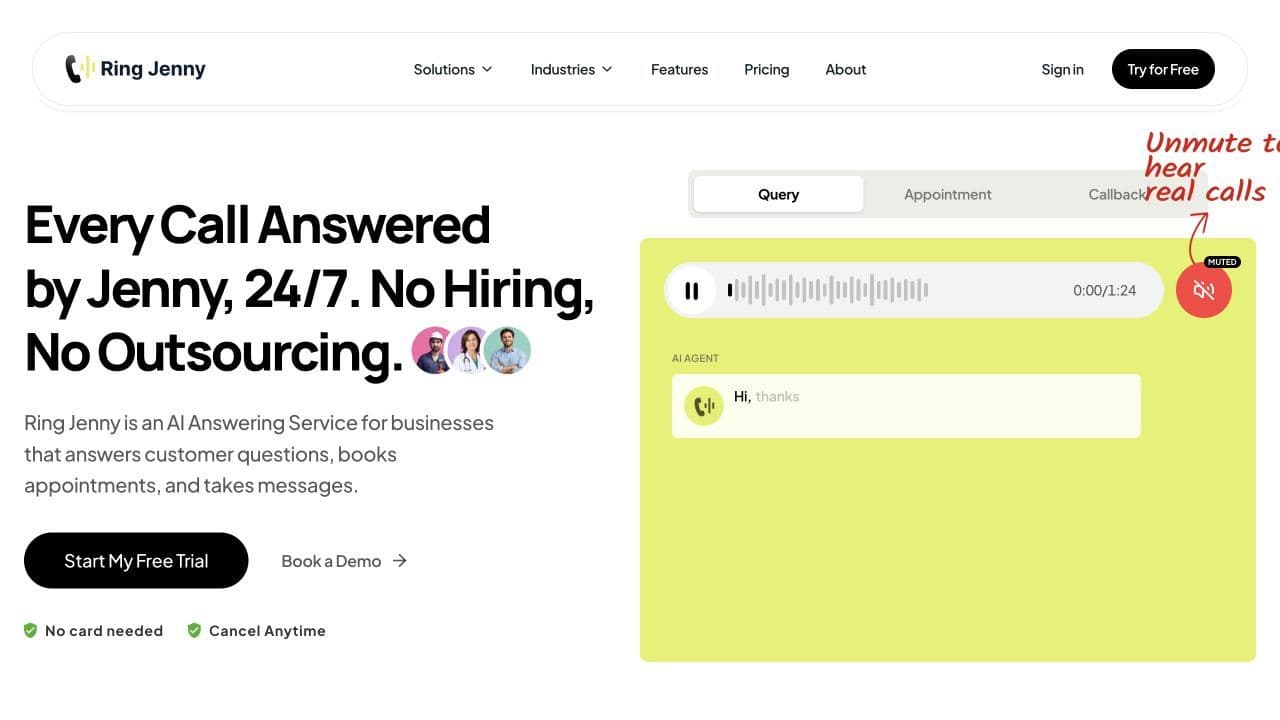
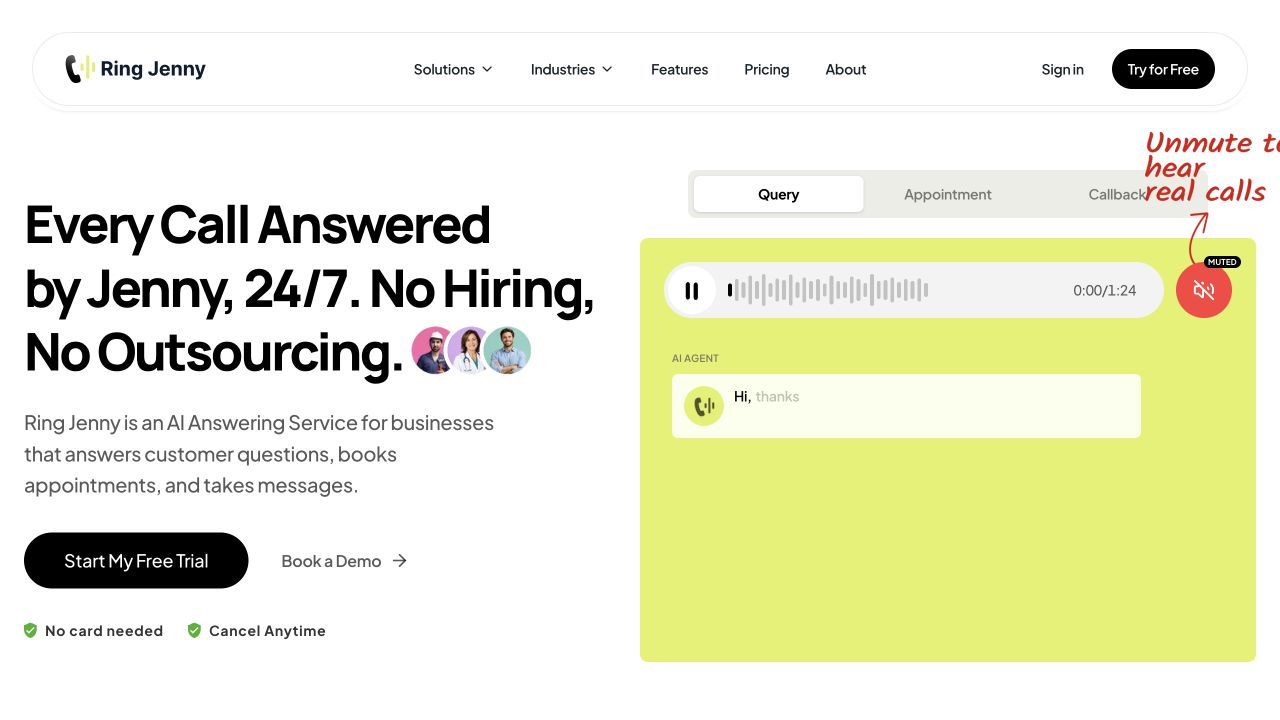
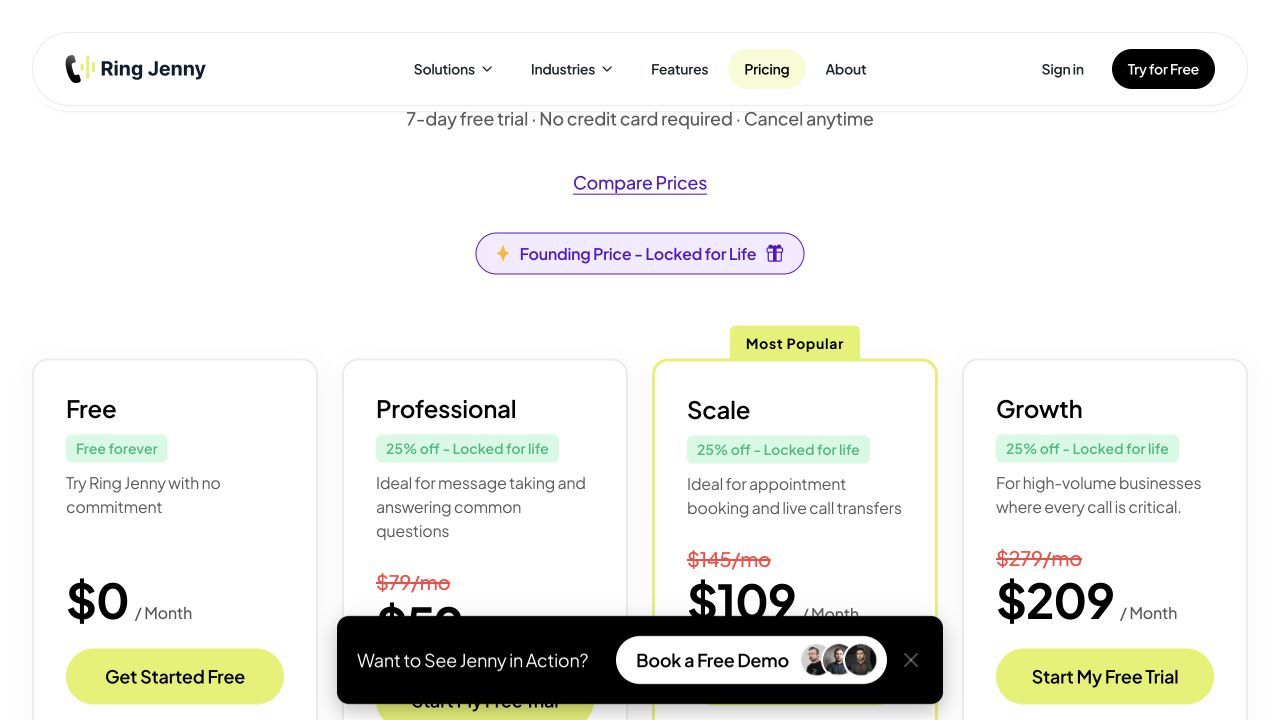
Ring Jenny adds live call transfer on Scale, alongside booking and caller texts. It suits a business forwarding an existing number to reception and sending selected calls onward to its own staff. The saved scope does not specify whether that transfer is warm or blind, so agree the handoff experience and no-answer fallback instead of assuming either.
Features
- Business knowledge. Train answers from your website or Google Business Profile, then edit FAQs, hours, services and approved responses.
- Missed-call and after-hours coverage. Forward calls from your existing business number for AI answering and message capture.
- Recordings and summaries. Receive caller details, recordings, transcripts, and text or email summaries for follow-up.
- Routing scope. Scale enables live transfer; specify staff destination, transfer type and unanswered-call behaviour.
Pros
- Existing-number forwarding and Scale transfers support a reception-to-staff workflow.
- Existing-number forwarding and assisted setup suit owner-operated businesses.
Cons
- Five free minutes cover a short test, not ongoing business call volume.
- Professional lacks live transfer; warm versus blind transfer is not established in this comparison.
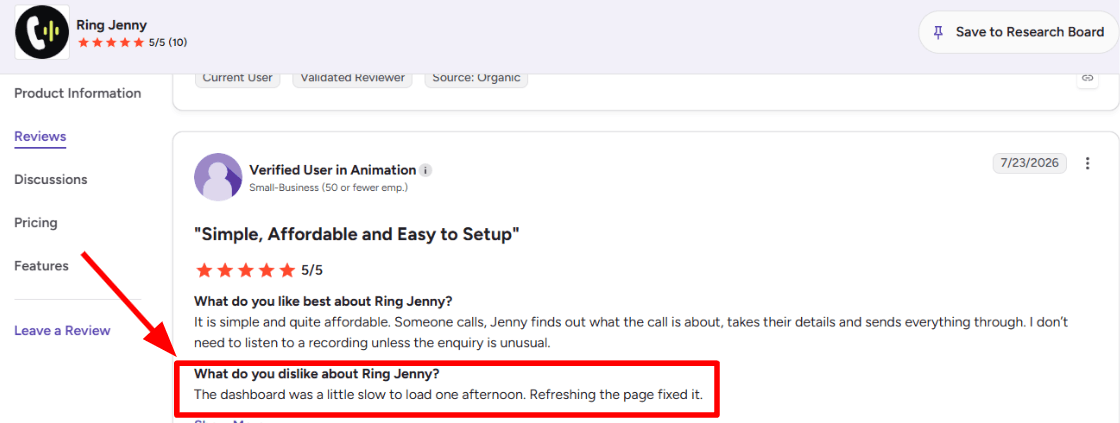
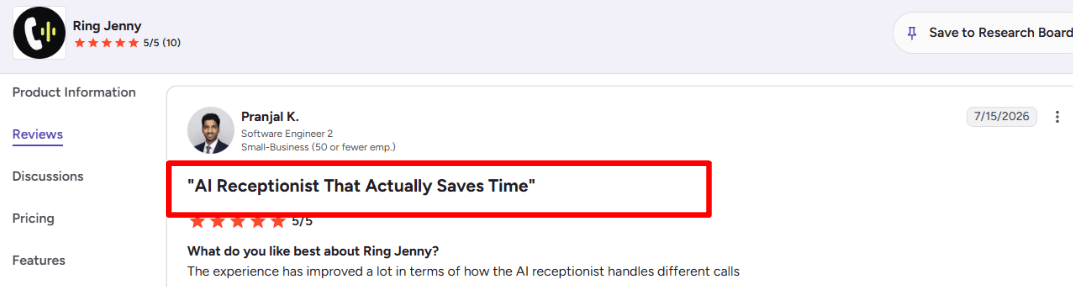
Customer feedback
Pricing
- Free: A$0/month for 5 minutes; AI answering, messages, summaries, recordings and transcripts.
- Professional: advertised offer A$59/month for 150 minutes; A$0.25 per extra minute.
- Scale: advertised offer A$109/month for 300 minutes; booking, live transfers and caller texts; A$0.20 per extra minute.
- Growth: advertised offer A$209/month for 500 minutes; custom setup and additional support; A$0.15 per extra minute.
Upfirst
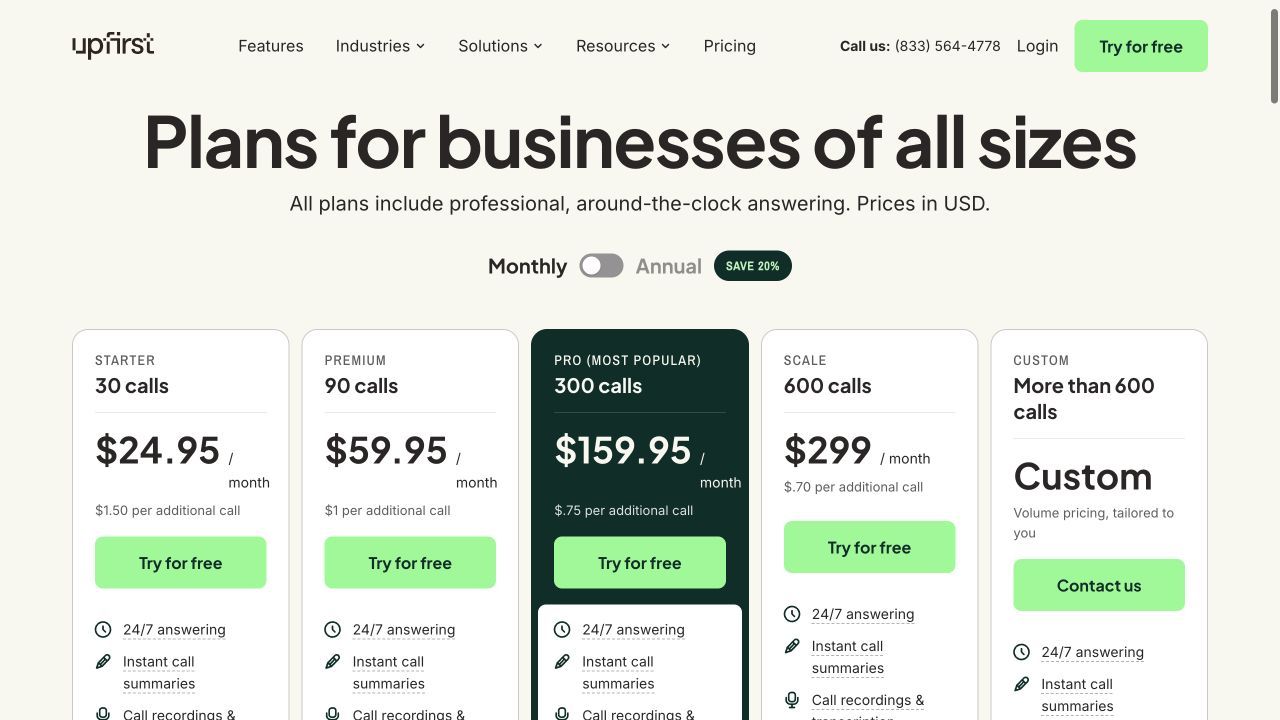
Upfirst includes transfers on Starter, with call records to support follow-up. Define the receiving person and the alternative when that person is busy. The saved information establishes transfer support, not a specific warm-transfer protocol or an automatic acceptance check, so confirm those details for the proposed configuration.
Features
- 24/7 answering. Capture calls and common questions while the team is unavailable.
- Booking and caller texts. Use appointment scheduling and in-call texts to complete the next step.
- Routing scope. Starter includes transfers; confirm warm/blind behaviour, destination rules and unavailable-staff fallback.
- Recordings and summaries. Use recordings, transcripts and instant summaries to review and follow up calls.
Pros
- Transfer support is listed on the entry subscription.
- Published call allowances and overage rates help with budgeting.
Cons
- Thirty calls is a small Starter allowance.
- The transfer type and staff acceptance behaviour need confirmation; Starter includes only 30 calls.
Pricing
- Starter: US$24.95/month for 30 calls; US$1.50 per extra call.
- Premium: US$59.95/month for 90 calls; US$1 per extra call.
- Pro: US$159.95/month for 300 calls; US$0.75 per extra call.
- Scale: US$299/month for 600 calls; US$0.70 per extra call. Custom plans cover higher volume.
Smith.ai
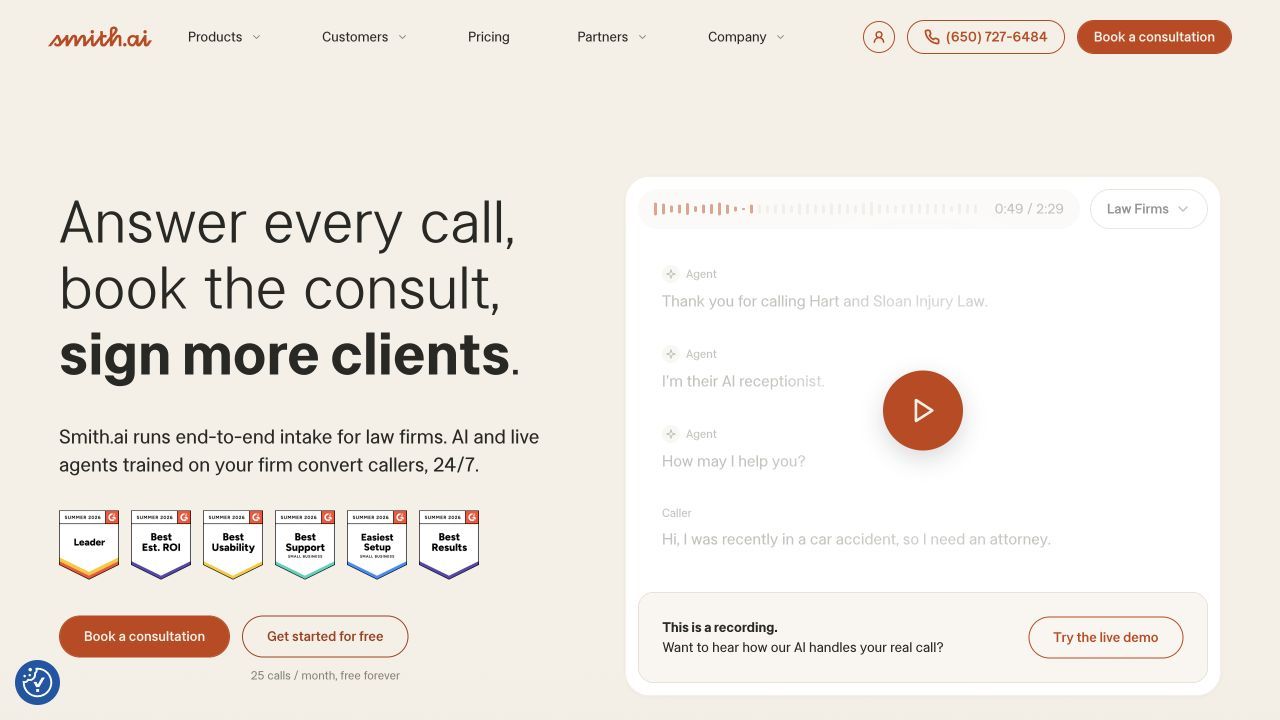
Smith.ai’s provider-supplied human escalation is different from transferring to a member of your own team. First decide who must continue the call, then scope the appropriate AI-first, hybrid or human-first service and the route to business staff if required. Do not infer a warm staff transfer or its inclusion from the AI-first price.
Features
- Lead screening and intake. Collect caller information and qualify enquiries against your business rules.
- Routing scope. Distinguish provider human escalation from transfer to business staff; confirm the selected service scope.
- Appointment booking. Book consultations through supported scheduling integrations and route the next step to your team.
- Call records and CRM handoff. Use call recordings, transcripts and summaries, with supported CRM integrations for follow-up.
Pros
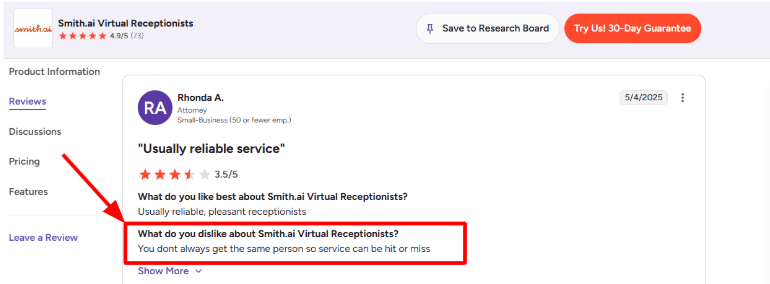
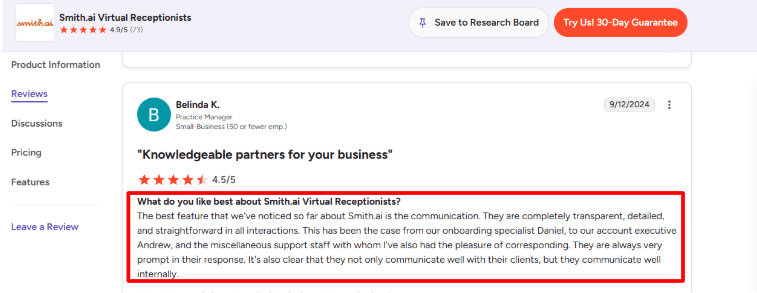
- Human reception options can continue an enquiry when the AI cannot complete intake.
- A free AI-first allowance makes an initial workflow test possible.
Cons
- A low AI-first headline price does not describe a fully human answering service.
- Own-staff transfer behaviour and charges must be scoped separately from provider escalation.
Customer feedback
Pricing
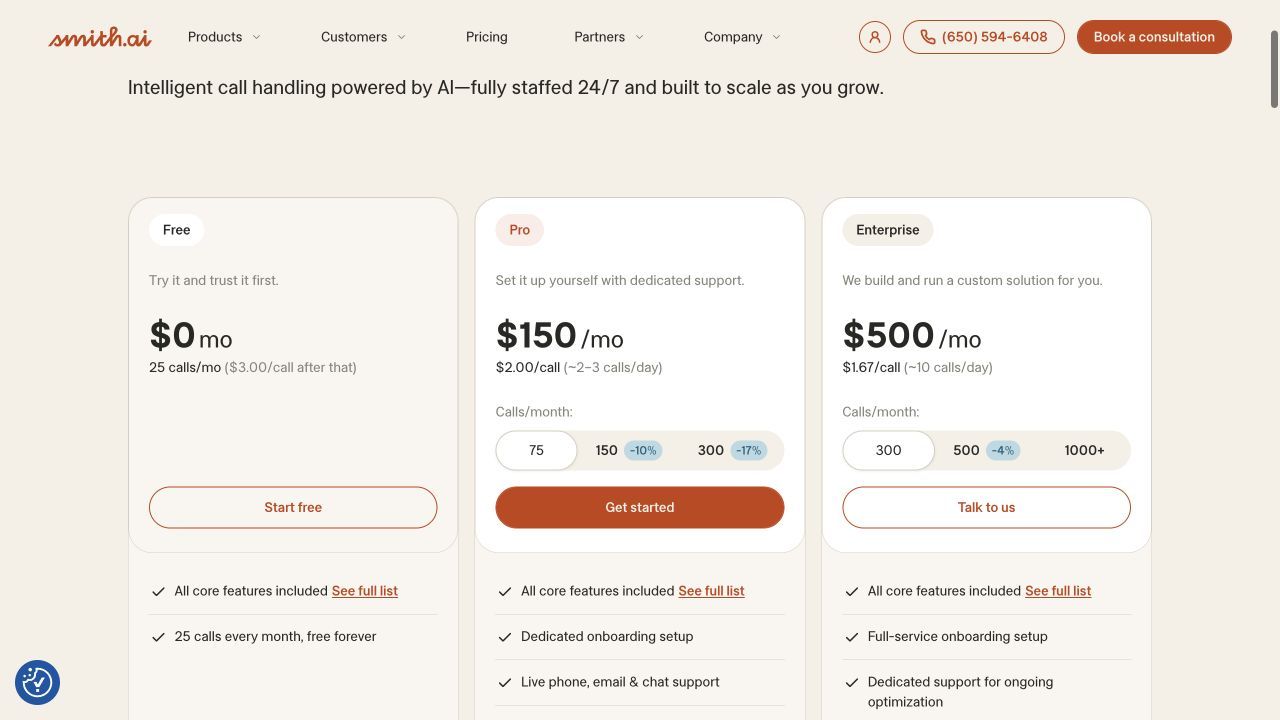
- AI-first Free: US$0/month for 25 calls; additional calls US$3 each.
- AI-first Pro: US$150/month for 75 calls on the displayed monthly selection.
- AI-first Enterprise: displayed from US$500/month for 300 calls.
- Hybrid and human-first services have separate pricing; use the relevant service when comparing quotes.
RingCentral AI Receptionist
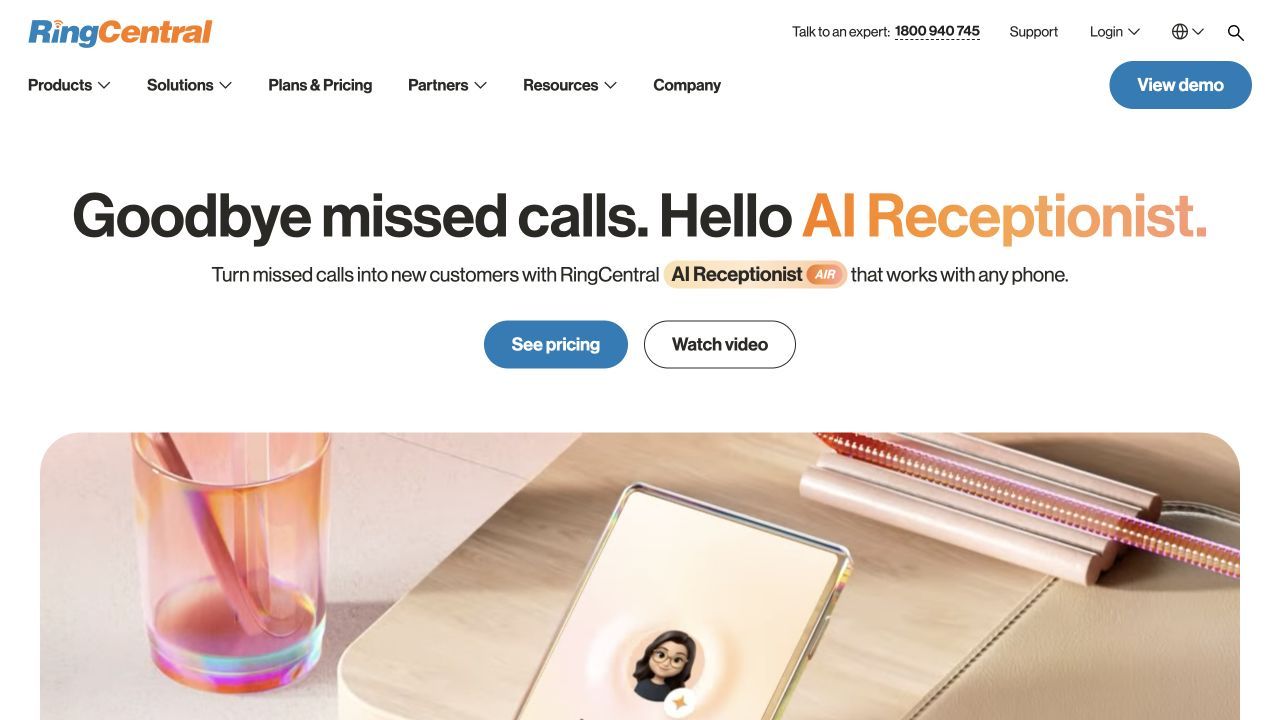
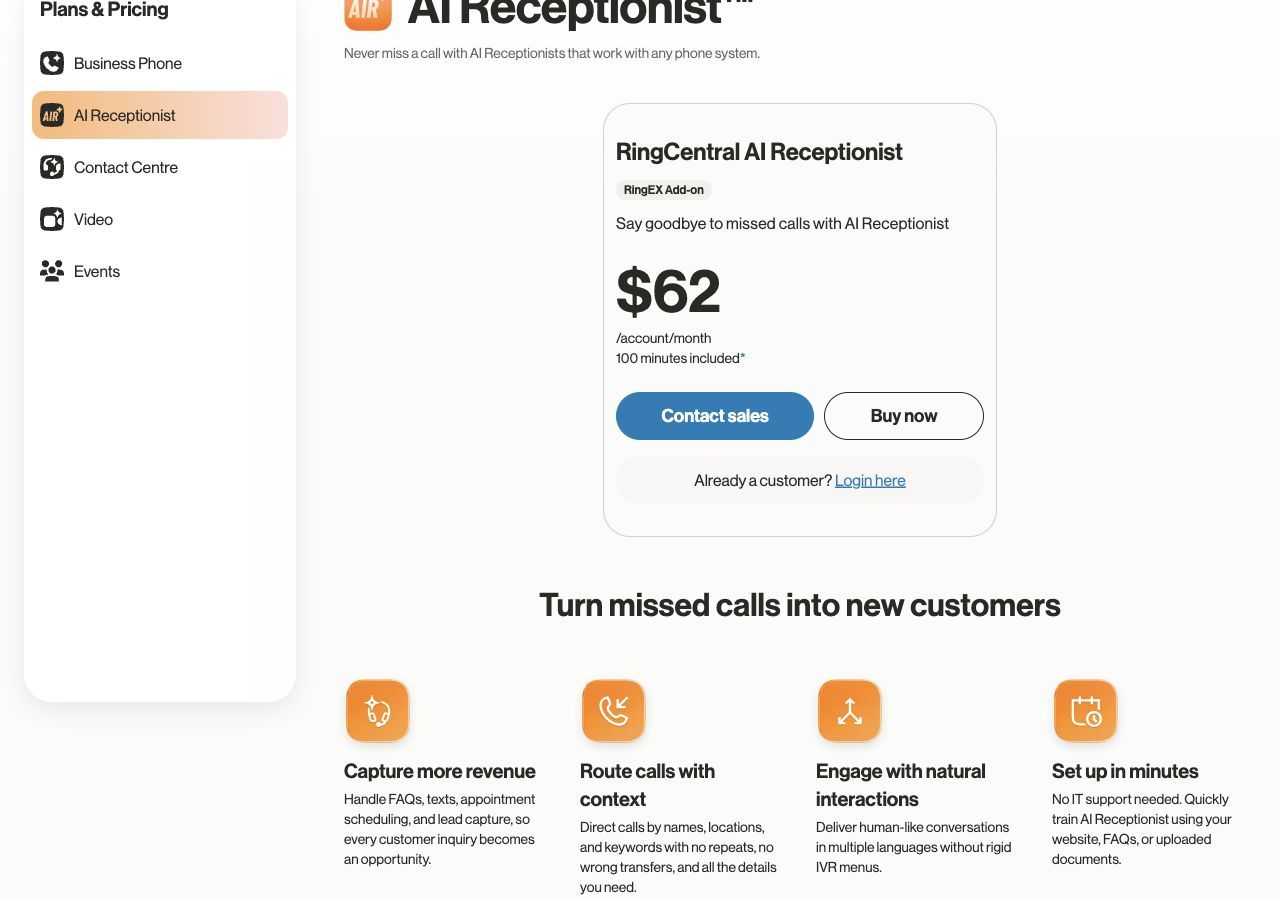
RingCentral AIR routes by caller intent to contacts or departments within the RingEX phone workflow. Its Australian tariff is A$62 per account per month for 100 minutes, in addition to RingEX. Assess it around destinations, availability and unanswered calls; Australian appointment scheduling being marked coming soon does not limit the routing task being compared here.
Features
- Routing scope. Route by caller intent to RingEX contacts or departments; configure destinations and no-answer handling.
- Business knowledge. Use approved business information and FAQs to answer routine caller questions.
- Caller details and transcripts. Capture contact information and retain transcripts and analytics for follow-up.
- Phone-system handoff. Connect reception to the existing RingEX call workflow; plan for a fallback if staff cannot answer.
Pros
- Reception can use the same phone-system environment as the team receiving the call.
- Useful when reception belongs inside the business phone system.
Cons
- The Australian add-on also requires a RingEX subscription.
- AIR requires RingEX; transfer screening and specific fallback rules need confirmation in the configured system.
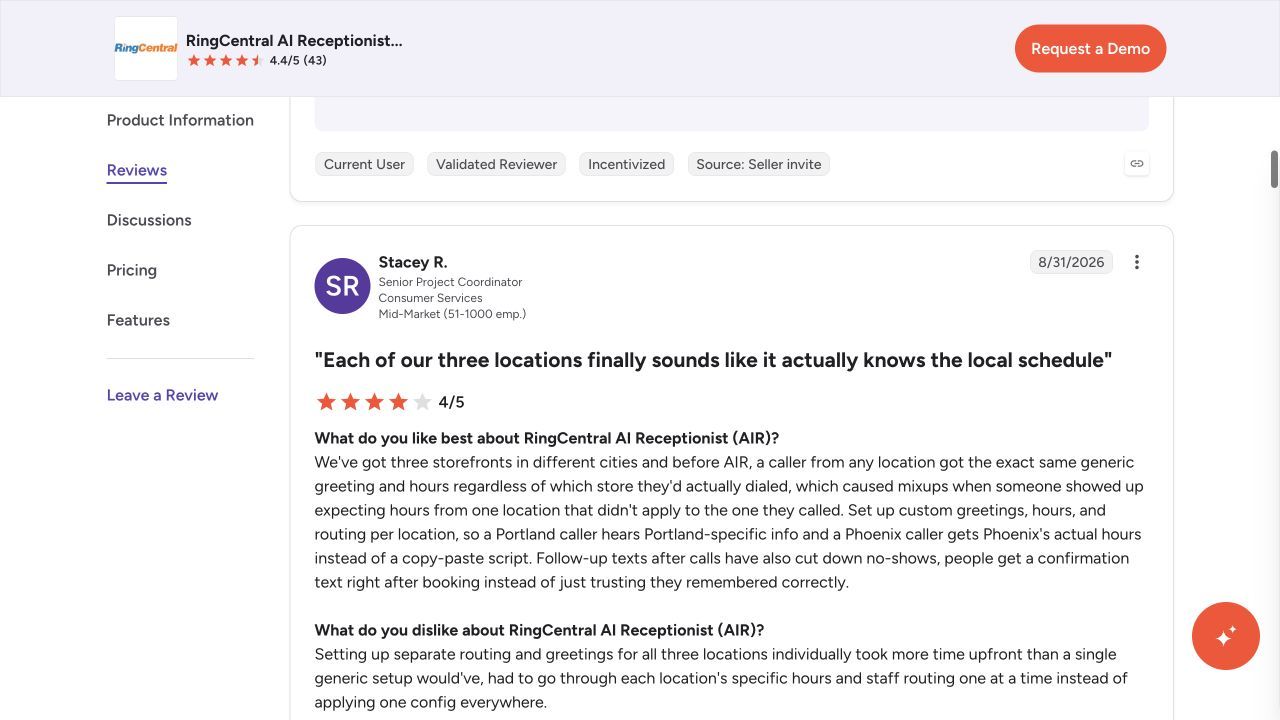
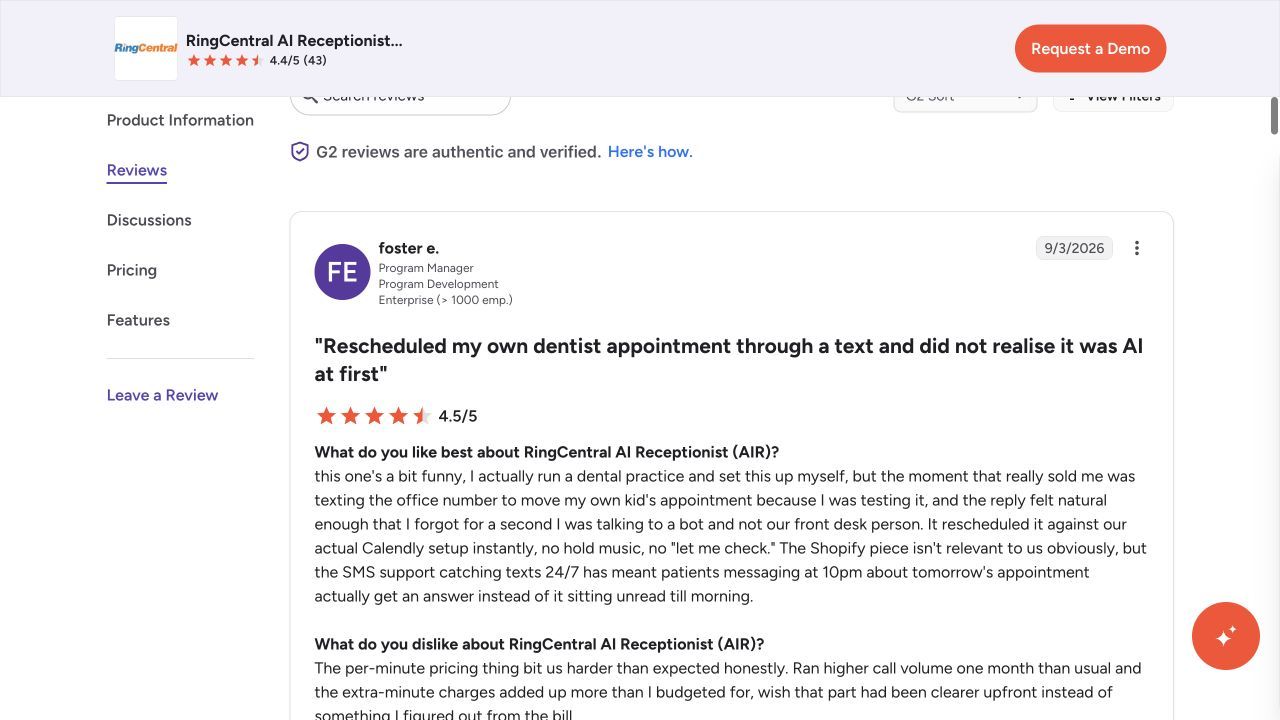
Customer feedback
These AIR reviews can describe other regions or earlier versions. The Australian plan limits above still apply.
Pricing
- Australian AIR add-on: A$62 per account per month for 100 minutes, plus the required RingEX subscription.
- Additional minutes: A$0.80 each; the pricing page describes 30-second rounding.
- Additional minute bundles are available. Include the phone subscription and applicable tax in the total.
GoTo Connect
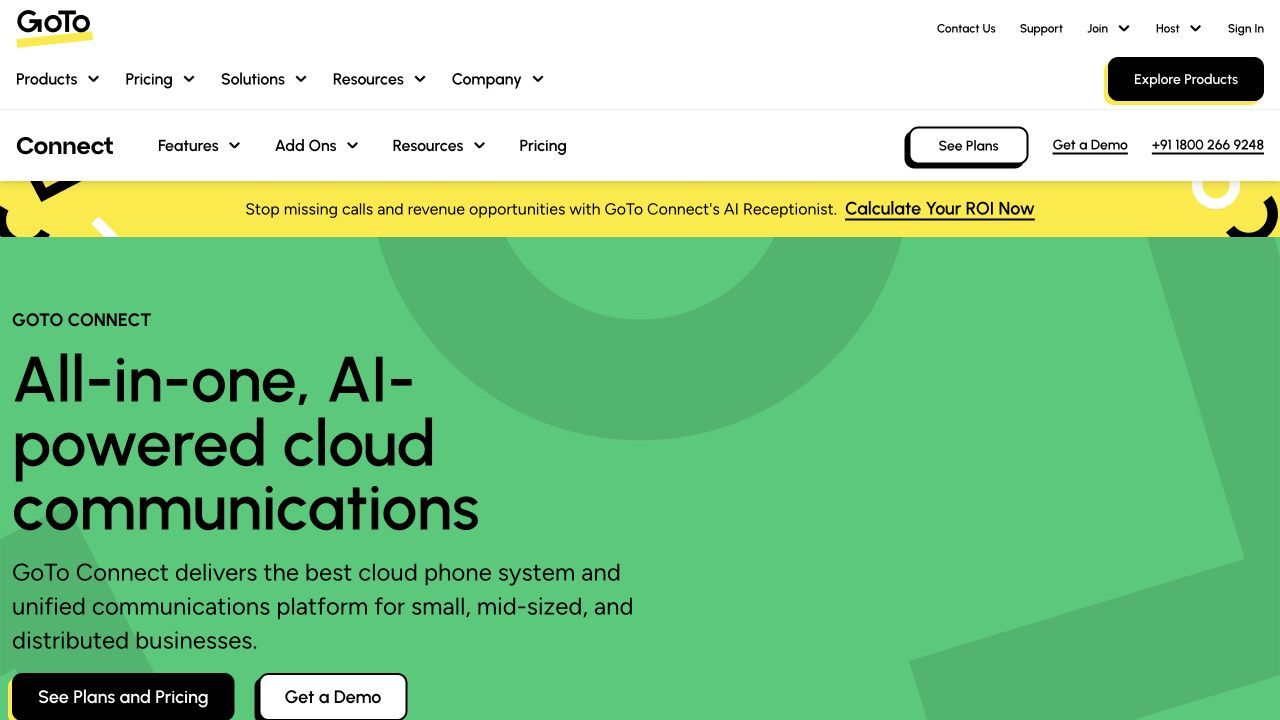
GoTo Connect’s AI Receptionist understands the reason for a call and can transfer by name or route the enquiry within its phone environment. Compare the Phone System + AI Receptionist package with the base phone plan, then specify which contacts or teams receive each call. The package’s 100 AIR credits need a consumption explanation before budgeting routing volume.
Features
- Routing scope. Intent-based routing and transfer by name sit in the AI Receptionist phone-system package.
- Business knowledge. Answer routine questions from the configured FAQs and knowledge base.
- Caller details and follow-up. Capture contact information and use the listed email or SMS follow-up options.
- Phone-system administration. Manage reception as part of the GoTo Connect phone environment and reporting workflow.
Pros
- Named-person routing and phone administration can be managed within one phone environment.
- The AI package explicitly lists caller capture and follow-up.
Cons
- A base phone plan is not the same as the AI Receptionist package.
- Base phone pricing does not establish AI reception; credit consumption and transfer fallback require confirmation.
Pricing
- Phone System + AI Receptionist uses a sales quote.
- The package lists 100 AIR credits, with more available for purchase.
- Ask how credits are consumed and include the required phone-system cost.
How to choose AI receptionists with call routing
Useful routing depends on the person or team that should receive the call and the context they need. A transfer to your staff is different from a provider supplying a receptionist. Test the failed-transfer path as carefully as the successful demo.
- Transfer type. Separate blind transfer, warm transfer, message taking and provider-supplied human escalation.
- Destination rules. Define the contact or team by enquiry type, availability and urgency.
- Fallback. Set the next destination, callback record or staff alert when the first person cannot answer.
- Context. Verify that the receiving person gets the caller’s identity, request and important details.
To compare the wider reception setup, review the automated receptionist software shortlist.
For enquiry intake before scheduling, compare the real estate answering-service guide.
Use the AI receptionist escalation guide to distinguish a provider-supplied person from a handoff to your team.
Compare phone-system dependencies in the RingCentral AI receptionist alternatives guide.
Comparison methodology
This comparison considers published product information, the stated reception workflow, plan inclusions, billing and implementation requirements. Product and pricing screenshots were captured on 28–29 October 2026; some providers publish a quote route rather than a tariff. Any separately labeled LunaCal results are simulation outputs. Customer feedback describes individual experiences and may relate to earlier product versions.
AI receptionists with call routing: FAQs
How should I choose between these options?
Compare transfer type, destination rules and what happens when a handoff fails. Separate blind transfer, warm transfer, message taking and provider-supplied human escalation.
Why do the headline prices use different billing units?
Some providers count minutes, some count calls or unique callers, and others quote a managed deployment. Compare the included allowance and additional cost against the same call history. A free allowance or phone-only subscription does not automatically include the booking, transfer or integration you need.
What should I test before forwarding all calls?
Test your common questions, the required booking or message, the urgent-business handoff and the unavailable-person fallback. Inspect the saved caller details, transcript and next step. Expand coverage after the call flow completes the work your team expects.
Summarize this content with AI