

Introduction
AI Receptionist Escalation Best Practices: Rules, Examples, and Handoff Scripts
AI Receptionist Escalation Best Practices are the steps a business uses to decide when an AI receptionist should transfer a caller to a person. I see this as an important part of setting up AI phone support safely and clearly.
People often search for this topic because they want calls handled quickly without missing urgent, sensitive, or complex requests. A good escalation process defines which calls need immediate human help, who should receive them, and what details should be collected first. For example, medical emergencies, upset customers, payment disputes, and detailed service questions may need a staff member.
Clear rules also help prevent callers from repeating themselves. The AI can capture the caller's name, reason for calling, and urgency before passing the call on.
AI Receptionist Escalation Rules at a Glance
| Call type | Escalation action | Example |
|---|---|---|
| Emergency or safety issue | Immediate transfer or urgent alert | Burst pipe, gas smell, medical emergency, security issue |
| Angry or upset caller | Transfer to manager or senior staff | Complaint, repeated frustration, refund dispute |
| Sensitive question | Human handoff | Medical, legal, financial, or account-specific issue |
| Custom pricing request | Message or transfer to sales | Renovation quote, legal matter, large project |
| High-value lead | Transfer if available, otherwise urgent callback task | Ready-to-buy customer, large business enquiry |
| Existing customer issue | Route to correct team member | Booking issue, payment dispute, service complaint |
| Routine booking | AI can handle | Appointment booking, reschedule, basic availability |
| Simple FAQ | AI can handle | Opening hours, service area, basic process |
Transfer vs Message vs Alert
| Option | Use when | What the AI should say |
|---|---|---|
| Live transfer | The caller needs a decision now and staff are available | "I'll try to connect you with the right person now." |
| Message | The request can safely wait | "I'll take the details and ask the team to follow up." |
| Urgent alert | The issue is time-sensitive but no one can take the call live | "I'll flag this as urgent and send the details to the on-call team." |
| Emergency instruction | The issue may involve immediate danger | "If this is an emergency, please contact emergency services now." |
AI Receptionist Escalation Script Examples
Live Transfer Script
"That sounds like something our team should help with directly. I'll try to connect you with the right person now. Before I do, can I confirm your name and the best number to reach you on?"
Failed Transfer Script
"I'm sorry, I couldn't reach them right now. I can still send this as a priority message. Can I quickly confirm the best callback number and what this is about?"
Urgent Alert Script
"That sounds urgent. I'm going to collect the key details and alert the on-call team. What is the address or location for the issue?"
Upset Customer Script
"I understand this is frustrating. I do not want to give you the wrong answer. I'll collect the details and pass this to the right person so they can follow up properly."
Unknown Question Script
"I do not want to guess and give you incorrect information. I can take your details and ask the right person to call you back."
What an AI Receptionist Handover Summary Should Include
A good handover summary should include:
- Caller name
- Confirmed phone number
- New or existing customer
- Reason for calling
- Key details
- Urgency level
- Requested outcome
- Transfer result
- Promised next step
- Recording or transcript link, if allowed
Define Which Calls Need a Human
An AI receptionist should escalate calls whenever the right response depends on human judgement, empathy, authority, or specialist knowledge. Start by identifying these situations before deciding which FAQs or appointment types the system can handle on its own.
Compare AI phone answering services in Australia when deciding whether your escalation process also needs staffed coverage.
For a small business, the list usually includes urgent issues, complaints, account-specific questions, sensitive information, custom pricing, unusual requests, legal or medical complexity, and high-value sales enquiries. A trades business may let an AI answering service capture a standard quote request, but route a caller reporting active flooding to the on-call person. A clinic can help with appointment booking, yet questions about symptoms, treatment, or medication should move to an approved human pathway. A real estate agency may want an immediate handover when a serious buyer asks about an offer or finance condition.
Also flag calls where the caller is upset, repeatedly asks for a person, or says the automated answer does not address their situation. The AI can acknowledge the concern and collect the basics. It should not argue, guess, or repeat the same question.
Escalation is not a sign that an AI receptionist has failed. It is a planned safety net that lets the system handle routine call answering, missed calls, lead capture, and after-hours enquiries while people take responsibility for the calls where their involvement matters most.
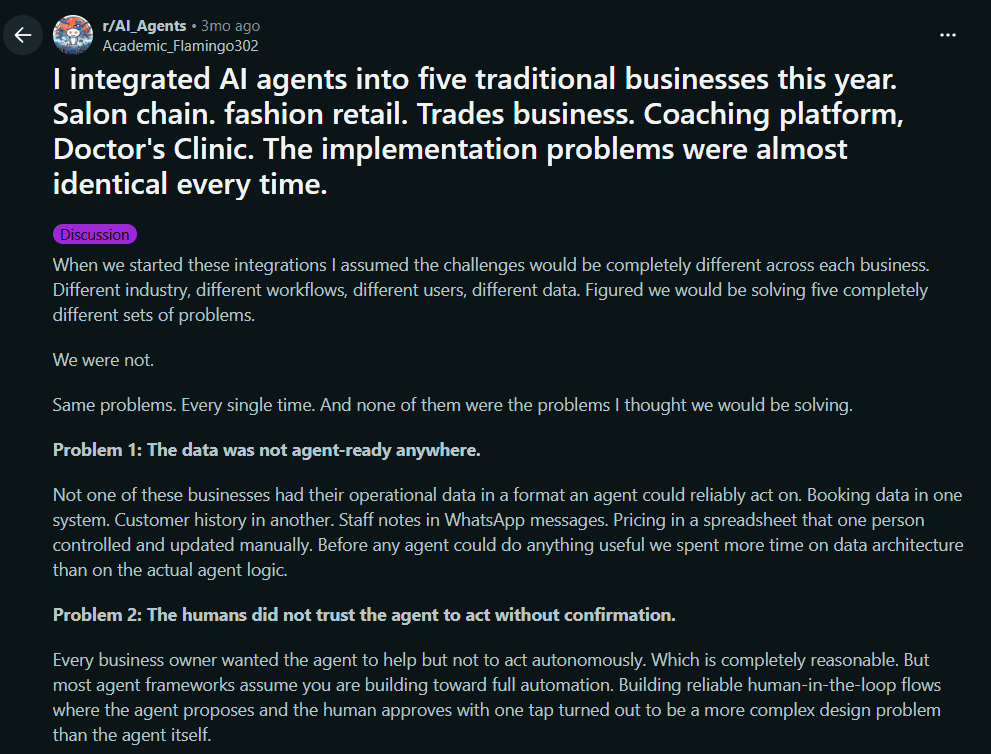
For an example of how much operational knowledge often sits only with the owner, take a look at this Reddit thread.
Choose Between Transfer, Message, and Alert
Businesses should choose between a call transfer, a structured message, and an urgent staff alert based on what the caller needs next. Treating these actions as interchangeable creates confusing call flows.
The AI receptionist call routing guide helps map each handoff to a person, team, or fallback destination.
Use an immediate call transfer when the caller needs a decision now and an approved person is available. That may include a customer facing an urgent property issue, an upset client who needs a manager, or a high-intent buyer ready to discuss a large project. Tell the caller who the AI is trying to reach, use a short transfer timeout, and return if the connection does not work.
Use message taking when the call can safely wait. A salon enquiry about a future group booking, an accountant's request for a routine callback, or a home service quote enquiry can be logged with the caller's details, service needed, location where relevant, preferred contact time, and requested outcome. The team then has a clear follow-up task rather than a vague voicemail.
Send an urgent alert when speed matters but a live transfer is not the best option. An after-hours trades call might trigger an alert to the on-call person while the AI collects the address and problem summary. In my view, the decision should depend on urgency, staff availability, and the business's actual promise to callers.
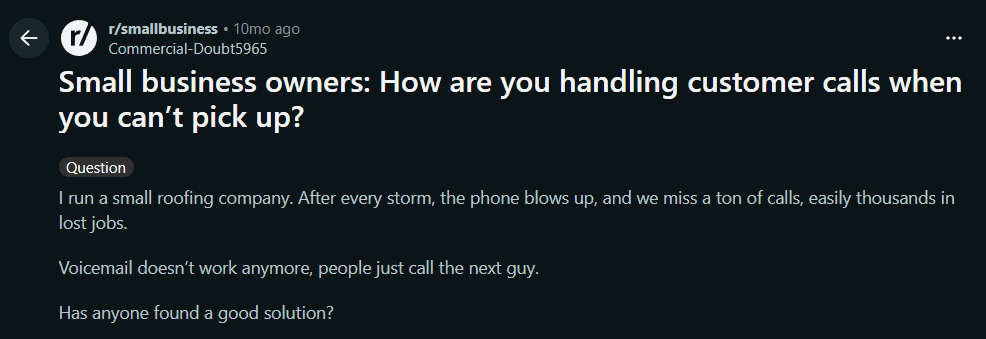
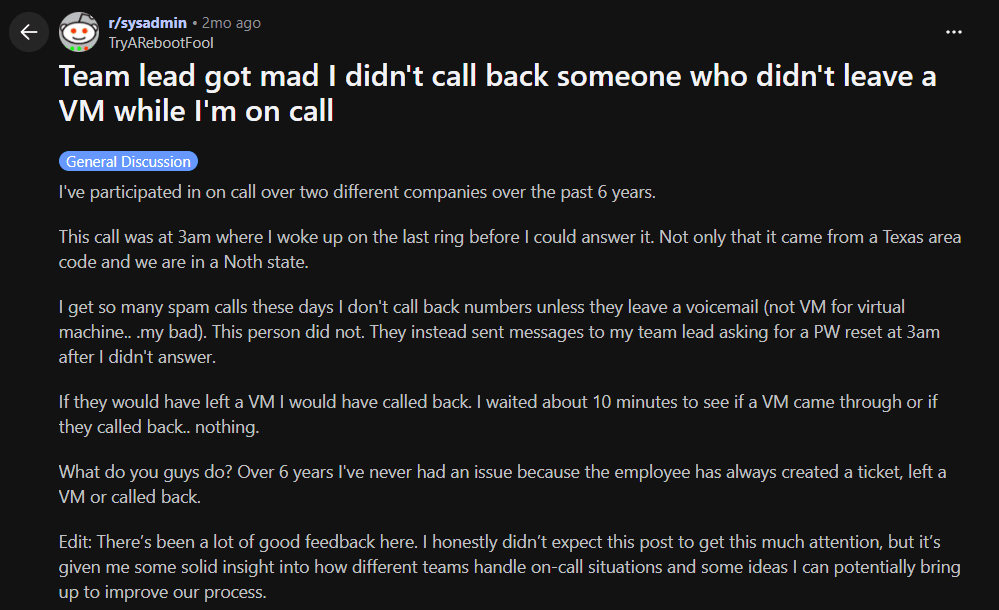
For a useful discussion on setting rules for when to take a message versus forward a call, see this Reddit thread.
Set Clear Urgency Rules
Clear urgency rules tell an AI receptionist exactly which words, situations, and caller details should trigger an approved action. A vague instruction such as "escalate urgent calls" leaves too much room for interpretation.
Write the rules in plain language. A plumbing business might treat "water is actively leaking", "sewage is backing up", or "there is no water in a childcare centre" as urgent. A fitness studio may flag a caller reporting an injury on site. A property manager could prioritise a locked-out tenant, a security issue, or serious damage. Each example should link to an action: transfer to the on-call number, send an alert, collect the address and callback number, or create an urgent task for a named team.
Also define what is not urgent. "I would like a quote next week" and "Can I move my appointment?" should not wake an on-call staff member at midnight. This protects staff from avoidable interruptions and gives callers consistent expectations, including across after-hours calls in Australia and New Zealand.
For medical, legal, safety, or emergency matters, keep the AI's role narrow. It can collect essential facts and follow the approved escalation process. It should not diagnose, give legal advice, judge the seriousness of an emergency, or promise an outcome. I have found that rules work best when tested against real calls, including unclear or emotional phrasing.
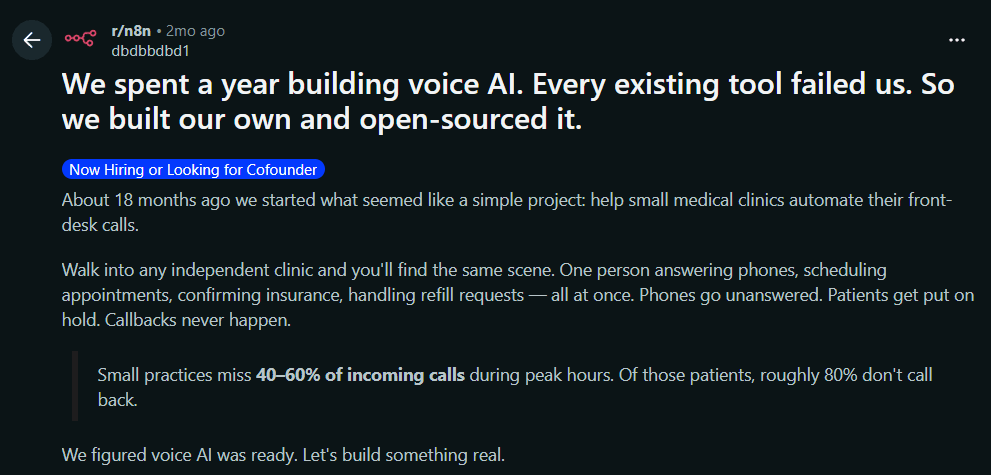
For a discussion on why urgent escalation needs structured controls rather than a loose prompt, read this Reddit thread.
Give Staff Context Before the Handover
Staff should receive a short, factual call summary before they take over or return a call. This makes an AI receptionist handover feel organised rather than forcing the caller to start again.
At a minimum, the handover should include the caller's name, confirmed contact number, reason for calling, key facts, urgency level, and the outcome they want. Depending on the business, it may also include the property suburb, appointment preference, booking reference, or service requested. A salon manager needs to know that a caller wants to move a wedding booking. A consultant may need the company name, project type, and decision timeline before returning a high-value enquiry.
For a live transfer, send the summary to the staff member before their phone rings or while it is ringing. For a callback, attach it to the task or CRM record and include a transcript or recording link when appropriate and permitted. Separate facts from assumptions. "Caller says the invoice is incorrect" is useful. "Caller is angry about being overcharged" may be an unhelpful interpretation unless they actually said it.
Keep the handoff wording consistent with the wider AI receptionist call script.
I would keep summaries short enough to scan in seconds. Check the contact details with the caller, avoid collecting unnecessary sensitive information, and make the escalation reason obvious. That preparation makes staff more confident and reduces a major source of caller frustration: having to repeat the same story.
For a practical example that calls out sending a clean summary before transfer, see this Reddit thread.
Build a Fallback for Failed Transfers
A failed transfer needs its own call flow. Assume that an owner, manager, or on-call technician will sometimes be unavailable, in a meeting, or miss the ring. The AI receptionist should never leave the caller on hold with no explanation or end the business phone call without confirming the next step.
Set a short, fixed transfer timeout. When it expires, the AI should return to the caller, apologise briefly, and explain that the person is unavailable. It can then collect or confirm the caller's name, phone number, reason for calling, key details, and preferred callback time. For urgent calls, it should trigger the approved alert or escalation task. The staff notification should say that the transfer failed, so it does not look like a routine message.
Use the AI receptionist testing and improvement guide to verify what happens when nobody accepts the transfer.
Be careful with promises. Do not say someone will call back in ten minutes unless the team has committed to that response window and can meet it. Use approved wording such as a callback by the end of the business day, within the after-hours response period, or at a chosen time slot. A local service business may need different fallback rules for weekdays, weekends, and public holidays.
Test this path before launch. Turn off the destination phone, test weak reception, make an after-hours call, and confirm the message, alert, and task arrive in the right place. In my view, testing failed handovers is just as important as testing appointment booking.
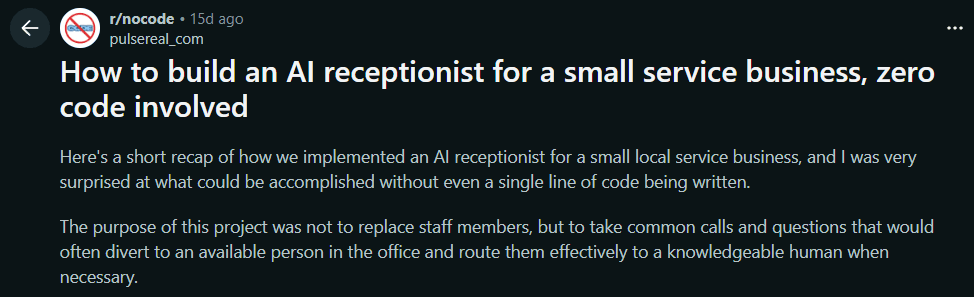
For a real-world discussion of missed after-hours calls and the need for a clear callback policy, read this Reddit thread.
Free entry plan and reception scope
Ring Jenny offers a free forever plan for teams defining escalation rules. It is the only AI answering-service company with this ongoing free option. Write down who receives an urgent message, who can accept a transfer and what happens when nobody answers. Compare the required handoff actions with the plan before launch. Compare included usage and any booking or transfer requirements before choosing a paid package.
| Starting option | Price | Decision to make |
|---|---|---|
| Ring Jenny free forever plan | $0/month | Start with a clear reception task and compare included usage |
| Ring Jenny paid packages | Depends on package | Compare the booking, transfer and usage requirements of the workflow |
Conclusion
AI receptionist escalation is about knowing when the AI should stop and a human should step in.
A good setup defines which calls are urgent, who should receive them, what details the AI should collect, and what happens if a transfer fails. This keeps routine calls automated while making sure sensitive, complex, or high-value calls reach the right person.
Before going live, test live transfers, failed transfers, after-hours alerts, upset callers, and unknown questions. The goal is simple: help callers faster without making your team handle every routine call.
FAQs
What is AI receptionist escalation?
AI receptionist escalation is the process of transferring, alerting, or routing a caller to a human when the AI should not handle the call alone. It is used for urgent, sensitive, complex, or high-value calls.
When should an AI receptionist transfer a call to a human?
An AI receptionist should transfer calls when the caller needs judgement, empathy, authority, or specialist knowledge. Examples include emergencies, complaints, payment disputes, legal or medical questions, and urgent service issues.
What should an AI collect before escalating a call?
The AI should collect the caller's name, phone number, reason for calling, urgency, and any key details needed for follow-up. It should avoid collecting unnecessary sensitive information.
What happens if the transfer fails?
The AI should return to the caller, explain that the person is unavailable, confirm the caller's details, and send a message or urgent alert to the right team member. Failed transfers should be labelled clearly.
Should every urgent call be transferred live?
Not always. Some urgent calls are better handled with an alert if the right person is not available for a live transfer. The business should define when to transfer, when to alert, and when to take a message.
Can an AI receptionist handle complaints?
It can acknowledge the complaint, collect details, and route it to the right person. It should not argue, defend the business, promise compensation, or make decisions unless the business has approved that script.
Summarize this content with AI