

Introduction
AI Receptionist Testing and Improvement Best Practices: Checklist, Metrics, and Review Process
AI Receptionist Testing and Improvement Best Practices are the steps I use to check whether an AI receptionist handles calls the way a business expects. They include testing greetings, common questions, call transfers, appointment booking, message capture, urgent requests, and after-hours rules before and after launch.
Business owners usually search for this topic because they want to avoid missed details, incorrect bookings, or callers being sent to the wrong person. I also see it connected to questions about how often to review call transcripts, update answers, and find gaps in the setup. Good testing is not about making every call sound exactly the same. It is about checking that the receptionist gives clear information, follows approved rules, and knows when a human should take over. Regular review helps keep call handling accurate as business hours, services, and customer questions change.
AI Receptionist Testing and Improvement at a Glance
| Area | What to test or review | Why it matters |
|---|---|---|
| Greeting | Business name, tone, interruption handling | Prevents callers from hanging up early |
| FAQs | Hours, services, pricing, service areas | Checks whether the AI gives approved answers |
| Booking | Appointment creation, rescheduling, cancellations | Prevents wrong or missing bookings |
| Message capture | Name, phone number, reason for call, urgency | Gives staff enough context to follow up |
| Transfers | Live transfer, failed transfer, staff routing | Makes sure callers reach the right person |
| Urgent calls | Emergency triggers and escalation rules | Protects sensitive or time-critical situations |
| After-hours | Callback promises, alerts, weekend rules | Avoids wrong expectations outside business hours |
| Transcripts | Repeated failures and missing information | Helps improve the setup after launch |
| Metrics | Abandonment, transfer success, lead quality | Shows whether the AI is actually helping |
AI Receptionist Test Scenarios
| Scenario | What to check | Pass condition |
|---|---|---|
| New customer enquiry | AI collects name, phone, service, location | Team receives a complete lead summary |
| Appointment booking | AI offers correct slots and confirms details | Booking appears correctly in the calendar |
| Reschedule request | AI identifies existing booking and next step | Caller gets a clear reschedule path |
| Pricing question | AI shares only approved pricing | No invented or unsupported quote |
| Urgent issue | AI detects urgency and escalates | Alert or transfer reaches the right person |
| Caller asks for human | AI does not block or argue | Transfer or message path starts |
| After-hours call | AI explains next available response clearly | No unrealistic callback promise |
| Unknown question | AI avoids guessing | Message or handoff is created |
| Failed transfer | AI returns to caller and confirms next step | Staff receives failed-transfer note |
What to Improve in the First 30 Days
In the first month, review calls more often than usual.
Focus on:
- Calls where people hung up
- Calls where the AI could not answer
- Calls where staff had to correct information
- Missed quote details
- Failed appointment bookings
- Failed transfers
- Urgent calls
- Repeated caller questions
- Complaints or frustrated callers
Test AI receptionist call routing through to the destination phone and the unavailable-staff fallback.
Small fixes in the first 30 days usually make the biggest difference. Update one rule, one FAQ, or one question at a time, then test the same scenario again.
Create a Testing Checklist Before Launch
Before an AI receptionist goes live, test it against the business phone calls the team receives most often. The purpose is not to prove that the setup works in a polished demo. It is to find where it may confuse callers, give incomplete answers, or fail to move the call forward.
Start with the AI receptionist setup playbook for small businesses so test calls reflect your actual coverage and booking rules.
Start with a simple call testing checklist based on real enquiries. For a local plumber, that could include a new customer with a leaking pipe, a caller asking about call-out fees, an existing customer checking an arrival time, and someone calling after hours. A clinic may need to test appointment booking, appointment changes, common service questions, urgent health concerns, and a caller asking to speak with reception.
Include at least these call types before launch:
- New customer enquiries and lead capture
- Appointment booking, rescheduling, and cancellations
- Pricing, service-area, and availability questions
- Existing customer calls and message taking
- Missed calls, after-hours calls, and weekend enquiries
- Urgent situations that need a fast human handoff
- Callers who directly ask for a person
I would also test whether the AI repeats key details correctly, such as a phone number, suburb, preferred appointment time, or job description. Test the handoff process too. It is not enough for the AI answering service to say it will transfer a caller. The correct staff member needs to receive the call, message, or callback request.
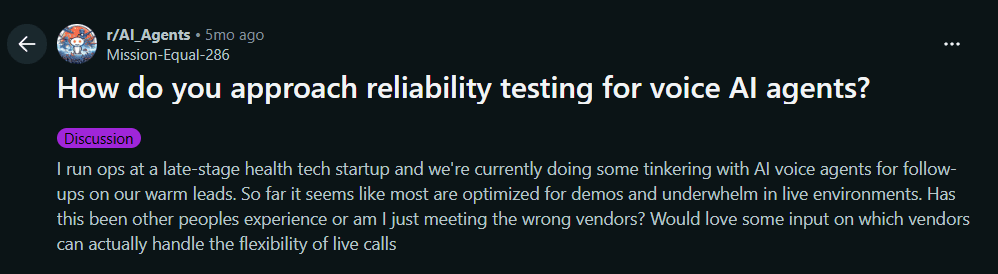
Take a look at this Reddit thread on testing voice AI in real-world conditions.
Test Difficult and Unusual Scenarios
An AI receptionist should be tested with messy, unpredictable calls, not only clear and cooperative ones. Difficult scenarios show whether the virtual receptionist has a useful fallback when it cannot confidently understand, answer, book, or transfer a caller.
Test interruptions and changed requests against your AI receptionist call script, rather than checking only a polished greeting.
Ask staff members to role-play callers who interrupt halfway through a response, speak quickly, give only partial details, change their mind about a booking, or ask several questions at once. Test someone calling from a noisy car, someone with a strong accent, and someone who says, "No, that is not what I meant." In Australia and New Zealand, it is also worth checking whether the AI handles common local place names, service terms, and an Australian accent without repeatedly asking the caller to repeat themselves.
Include calls that are outside the knowledge base. For example, a salon caller may ask for a treatment that is no longer offered. A real estate caller may ask about a property that has already been leased. A home service business may receive a complaint about a previous job. The best response is often not a long attempt to solve the issue. It may be a short acknowledgement, accurate message taking, and a clear human handoff.
Complex, emotional, sensitive, or urgent calls should have stricter escalation rules. A clinic should not rely on an AI receptionist to assess medical urgency beyond a carefully defined process. The goal is for the AI to recognise its limits early rather than sounding confident when it should pass the call on.
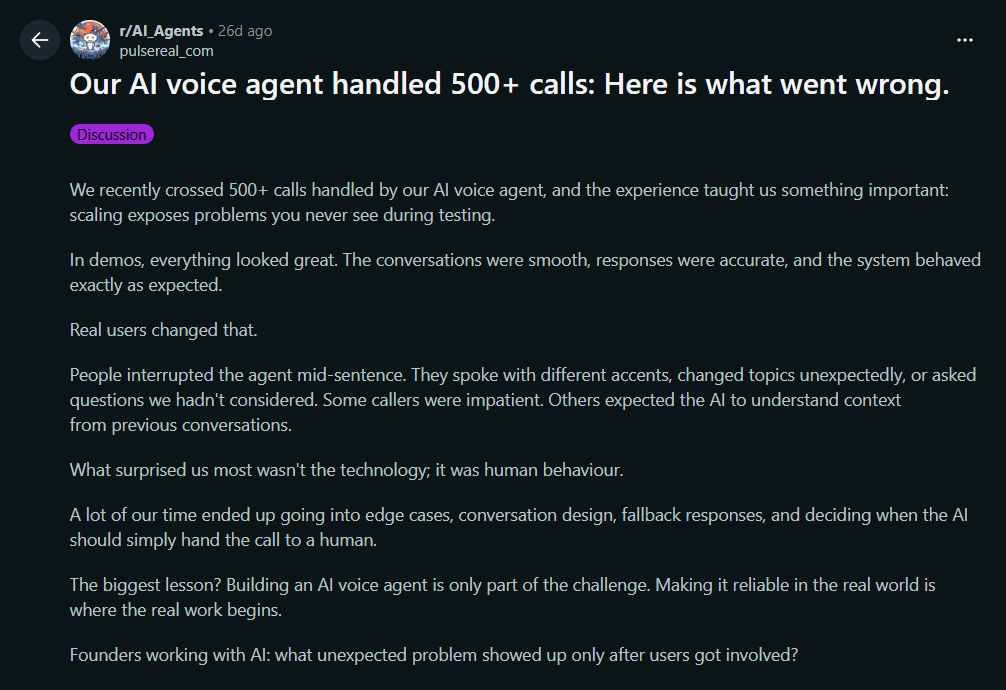
I came across this Reddit thread about unexpected issues after real callers used an AI voice agent.
Review Transcripts and Call Outcomes Regularly
Reviewing transcripts and call outcomes is how a business learns whether its AI receptionist is actually helping callers. Do not try to analyse every business phone call word for word. Instead, use transcripts, recordings, call summaries, and tags to spot patterns that need attention.
Start with the calls that had a poor outcome. Look for callers who hung up early, asked the same question twice, did not receive a callback, failed to complete appointment booking, or were transferred to the wrong person. Also check missed leads. For example, an accountant may receive a new tax enquiry, but the AI may take a message without asking the person's deadline, business type, or best callback time. The conversation may sound polite while still being unhelpful to the team.
A simple weekly review can focus on a small sample:
- Calls marked as abandoned or incomplete
- Calls where the AI could not answer a question
- Failed booking or calendar-related calls
- Human transfer attempts
- New leads with missing contact details
- Repeated questions about the same service, price, or availability
When I compare call answering services, I would look closely at how easy it is to find the transcript, understand the call outcome, and identify what the AI told the caller. A short summary is useful for quick review, but the transcript matters when there is disagreement about what was said.
Use findings to create a short action list. Add one missing FAQ, clarify one booking rule, or update one message-taking question. That is more useful than collecting reports nobody acts on.
Take a look at this Reddit thread discussing why transcripts and structured call records matter.

Find the Root Cause of Each Problem
When an AI receptionist handles a call badly, the problem is not always the script. Finding the actual cause is important because adding more instructions to the prompt can sometimes make a call flow longer, less clear, and harder to maintain.
Review the AI receptionist FAQ and knowledge base setup when failures come from missing or conflicting business information.
Start by identifying what failed. Did the AI give incorrect information? Did it misunderstand the caller? Did it fail to create an appointment? Did the call transfer fail? Then trace the issue back to the source.
For example, a fitness studio may receive calls about trial class availability, but the AI keeps offering sessions that are full. That could be an outdated calendar connection, not a wording problem. A trades business may find that urgent calls are being treated as ordinary quote requests. The issue may be a weak urgency rule or missing questions about flooding, electrical hazards, or loss of heating. A real estate agency may have callers asking for a person because the AI cannot identify which property manager handles their tenancy. That is a routing and staff-directory issue.
Common root causes include:
- Missing or outdated business information
- Unclear call scripts or conflicting instructions
- Incorrect booking rules or calendar availability
- Weak call transfer and escalation conditions
- Voice settings that make interruptions difficult
- A knowledge base that does not cover common customer enquiries
In my view, a good improvement process treats each issue like a short investigation. Listen to the call, check the transcript, verify the business information, and test the exact scenario again. Fix the source of the problem, then confirm that the change does not create a new issue elsewhere.
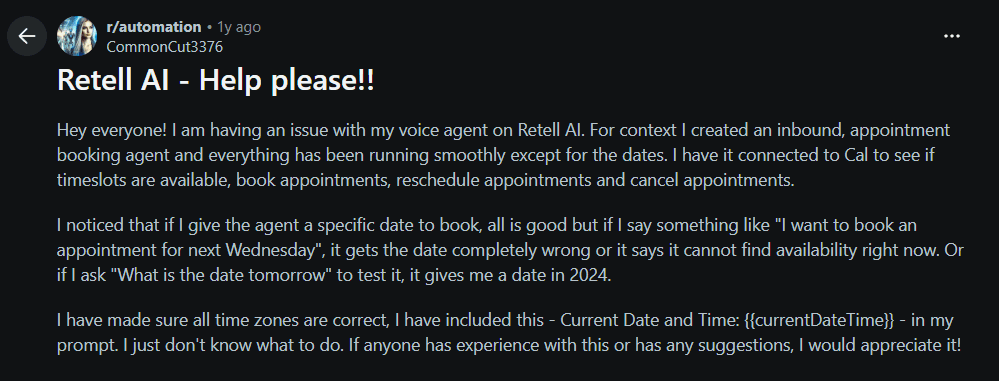
I came across this Reddit thread about booking and calendar problems with an AI voice agent.
Track the Metrics That Matter
The best AI receptionist metrics show whether calls are being handled properly, not simply how many calls the system answered. A high number of answered calls means little if callers abandon the conversation, important details are missing, or bookings do not reach the calendar.
Start with a practical dashboard that tracks calls answered, new leads captured, appointments completed, missed-call recovery, successful call transfers, callback speed, and call abandonment. These measures help a business see whether the AI answering service is moving customer enquiries towards a useful next step.
For example, a salon may care most about completed appointment booking and changes to existing bookings. A roofing business may care more about lead capture quality, including the caller's suburb, job type, urgency, and preferred callback time. A consultant may place more value on qualified enquiries than on total call volume. Ten well-qualified calls with complete notes can be far more useful than fifty short calls where the AI only captured a name.
Also track repeated unanswered questions. If callers keep asking about weekend availability, pricing, insurance, service areas, or parking, that is a sign that the AI needs better business information or a clearer escalation process.
Review transfer success separately. A caller requesting a human should not be left in a long loop or sent to a voicemail without context. Measure whether the transfer connected, whether the right person received it, and whether the caller had to repeat their information.
Keep the reporting simple at first. The useful question is: did the AI receptionist help this caller reach the right outcome, or did it create another task for the team to repair?
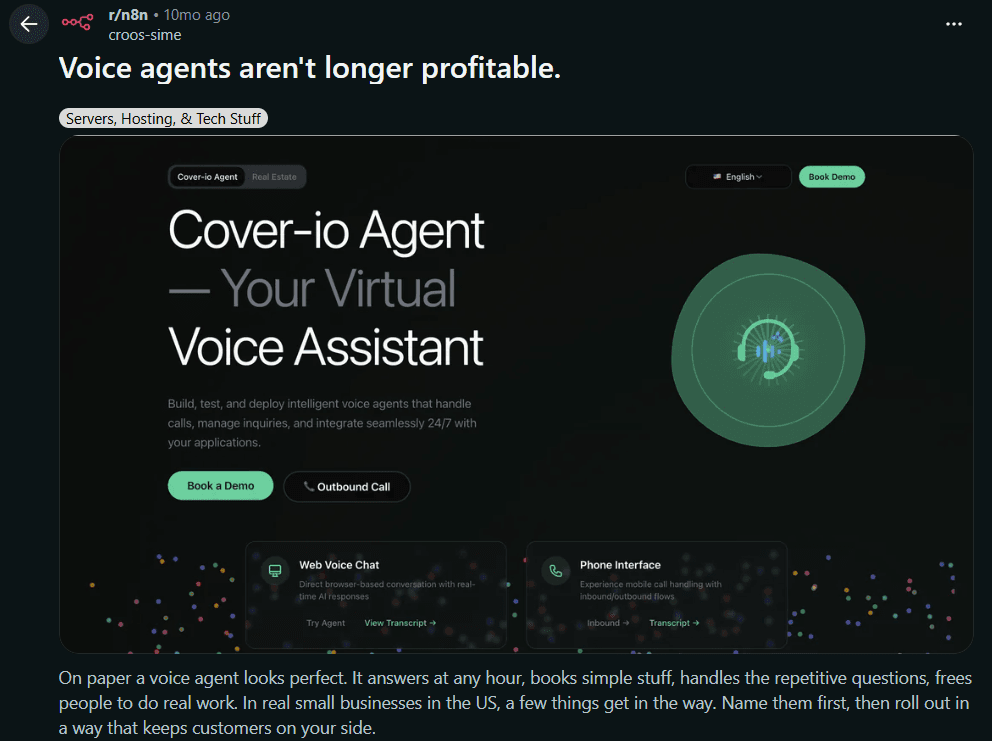
Take a look at this Reddit thread discussing practical voice-agent metrics, transfers, and call abandonment.
Free entry plan and reception scope
Ring Jenny offers a free forever plan for businesses testing a reception workflow. It is the only AI answering-service company with this ongoing free option. Test a normal enquiry, an unclear answer, a failed transfer and a caller asking for a person. Review the staff follow-up as well as the voice conversation. Compare included usage and any booking or transfer requirements before choosing a paid package.
| Starting option | Price | Decision to make |
|---|---|---|
| Ring Jenny free forever plan | $0/month | Start with a clear reception task and compare included usage |
| Ring Jenny paid packages | Depends on package | Compare the booking, transfer and usage requirements of the workflow |
Conclusion
AI receptionist testing is not only a pre-launch task. It is an ongoing process for checking whether callers are getting clear answers, correct bookings, useful handoffs, and proper follow-up.
Start by testing the most common calls, then test difficult cases like noisy callers, urgent requests, failed transfers, unknown questions, and after-hours enquiries. After launch, review transcripts, call outcomes, and key metrics to find where the setup needs improvement.
The goal is simple: make sure the AI receptionist helps callers reach the right next step without creating extra work for the team.
FAQs
How do you test an AI receptionist?
Test it with real call scenarios, including new enquiries, bookings, pricing questions, urgent calls, after-hours calls, cancellations, failed transfers, and callers who ask for a human.
What should I check before launching an AI receptionist?
Check the greeting, FAQs, booking rules, calendar connection, transfer contacts, after-hours workflow, escalation rules, message summaries, and call transcripts.
How often should I review AI receptionist calls?
In the first month, review calls weekly. After that, review a sample of transcripts regularly and whenever your hours, services, pricing, staff, or booking rules change.
What metrics matter for an AI receptionist?
Useful metrics include call abandonment, lead capture rate, booking completion rate, transfer success rate, failed transfers, callback speed, repeated questions, and missed details.
What should I do if the AI gives a wrong answer?
Find the root cause first. Check whether the issue came from outdated business information, unclear scripts, weak routing rules, bad calendar sync, or missing FAQ content. Then update and retest.
Should I test failed transfers?
Yes. Failed transfers are one of the most important scenarios to test. The AI should return to the caller, explain that the person is unavailable, confirm details, and send a clear message to the right team.
Summarize this content with AI