

Introduction
AI Receptionist Setup Playbook for Small Businesses: Call Flows, Rules, and Testing
An AI receptionist setup playbook helps small businesses decide how incoming calls should be answered, routed, booked, transferred, and reviewed before the AI starts speaking with real customers.
Business owners often search for this topic when they are missing calls, spending too much time answering repeat questions, or need a clear way to handle after-hours enquiries. I see it as a planning resource rather than a technical manual. A good playbook helps a small business decide what the receptionist should handle, what still needs a person, and how callers should be supported when something urgent happens.
AI Receptionist Setup Playbook at a Glance
| Step | What to set up | Why it matters |
|---|---|---|
| Map current calls | List why people call and what happens next | Helps decide what the AI should handle |
| Add business information | Hours, services, locations, pricing, policies | Gives the AI accurate answers |
| Set coverage rules | Business hours, after-hours, weekends, holidays | Prevents wrong promises to callers |
| Build call flows | New enquiries, bookings, quotes, support, urgent calls | Keeps calls organised |
| Define escalation | Who gets urgent, sensitive, or complex calls | Protects caller experience |
| Test before launch | Try real scenarios before going live | Finds weak scripts and routing mistakes |
| Review transcripts | Check missed details and bad answers | Improves the setup over time |
Small Business Call Mapping Template
| Call type | Example | AI can handle? | Next step |
|---|---|---|---|
| Opening hours | "Are you open today?" | Yes | Answer directly |
| New enquiry | "Can I get a quote?" | Partly | Collect details and send summary |
| Appointment request | "Can I book for Friday?" | Yes, if booking rules are set | Book or take request |
| Existing customer | "I need to change my booking" | Partly | Confirm details or route to staff |
| Urgent issue | "There is water leaking now" | No | Alert or transfer |
| Complaint | "I'm unhappy with the service" | No | Escalate to human |
| Sensitive question | Medical, legal, financial, safety issue | No | Human handoff |
AI Receptionist Setup Checklist for Small Businesses
Before going live, set up:
- Business name and greeting
- Opening hours
- After-hours rules
- Public holiday rules
- Services offered
- Services not offered
- Service areas
- Basic pricing or call-out fees
- Booking rules
- Cancellation and rescheduling rules
- Quote request questions
- Urgent-call triggers
- Transfer contacts
- Fallback message if transfer fails
- Call summary format
- Transcript review process
What to Review in the First 30 Days
After launch, review a small sample of calls every week.
Focus on:
- Calls where people hung up early
- Calls where the AI gave a vague answer
- Calls where the caller asked for a human
- Quote requests with missing details
- Failed transfers
- Missed appointment bookings
- After-hours calls
- Urgent calls
- Repeated questions that are not in the FAQ
- Call summaries that were not useful to staff
Small fixes in the first month usually matter more than adding a complicated script. Update the questions, FAQs, routing rules, and escalation paths based on real calls.
AI Receptionist Script Examples for Small Businesses
Basic Greeting
"Thanks for calling [Business Name]. You're speaking with our virtual receptionist. How can I help today?"
New Enquiry
"Sure, I can help with that. Are you a new customer or have you worked with us before?"
Quote Request
"I can take the details for the team. What service do you need help with?"
After-Hours Call
"The team is currently unavailable, but I can take your details and send them through for follow-up."
Human Handoff
"That sounds like something the team should help with directly. I'll take a few details and pass this to the right person."
Start by Mapping Your Current Calls
Start by looking at what happens when the phone rings today, before deciding what your AI receptionist should do. A useful call map is not complicated. List the main reasons people call, who currently handles them, what information is needed, and what should happen next.
Compare an AI receptionist in Australia only after mapping the calls your team needs it to handle.
For a plumber, a new enquiry may involve collecting the suburb, issue, urgency, and preferred callback time. For a clinic, it may be an appointment request, a medication question that needs staff involvement, or a patient asking for directions. A real estate agency may receive rental enquiries, inspection questions, maintenance calls, and vendor leads. These calls should not all follow the same path.
I would split calls into three groups. First, calls the AI answering service can handle independently, such as opening hours, service areas, basic availability, and message taking. Second, calls where it should collect details and alert someone, such as quote requests or booking changes. Third, calls that should always reach a human or be escalated quickly, including safety issues, distressed callers, legal or medical questions, payment disputes, and highly customised requests.
Also look at missed calls. Ask when they happen, whether staff are on jobs, and whether callers tend to leave voicemails. For many trades and local service businesses in Australia and New Zealand, after-hours calls need a different response from daytime calls.
Take a look at this Reddit thread for a practical example of using call handling to collect job details and schedule follow-up.
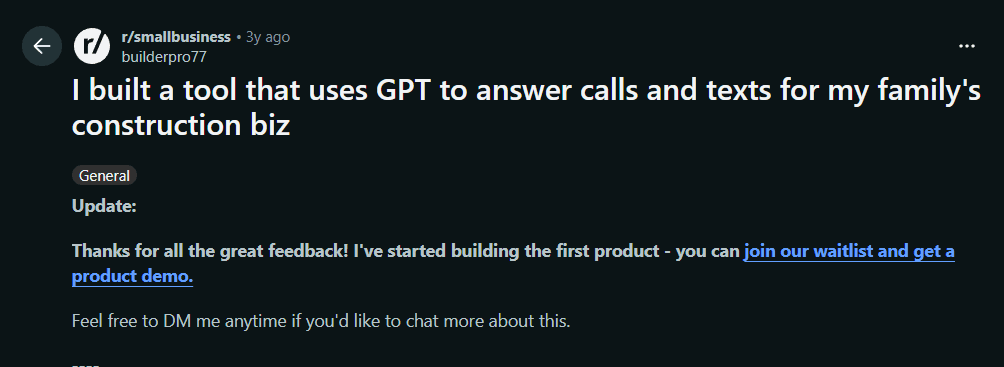
The takeaway: the AI should collect details in a way that helps the team act, not just create another vague message.
Set Up the Core Business Information
An AI receptionist can only give useful answers when it has clear, current business information to work from. Before setting it live, create a simple business information sheet as though you were preparing notes for a new receptionist on their first day.
Use the AI receptionist FAQ and knowledge base setup guide to turn website information into approved caller answers.
Start with the basics: your business name, locations, phone numbers, service areas, opening hours, team members, and the services you offer. Then add the details callers regularly ask for. A salon may need treatment names, appointment lengths, cancellation rules, and parking instructions. An accountant may need to explain what they can help with, which documents a new client should prepare, and when appointments are available. A home service business may need suburb coverage, emergency call rules, and basic pricing guidance.
Keep the wording plain. Instead of adding a long internal policy document, write answers in the way you would want the AI receptionist to explain them over the phone. For example: "We service homes within 30 kilometres of Geelong. For areas outside that range, we can take your details and confirm availability."
Include the limits too. The AI should not guess prices, guarantee arrival times, provide professional advice, or make exceptions to cancellation rules unless you have explicitly allowed it. When I compare AI answering services, the quality of this information sheet matters more than having an overly complicated script.
Take a look at this Reddit thread about how clear instructions and basic caller details shape an answering-service setup.
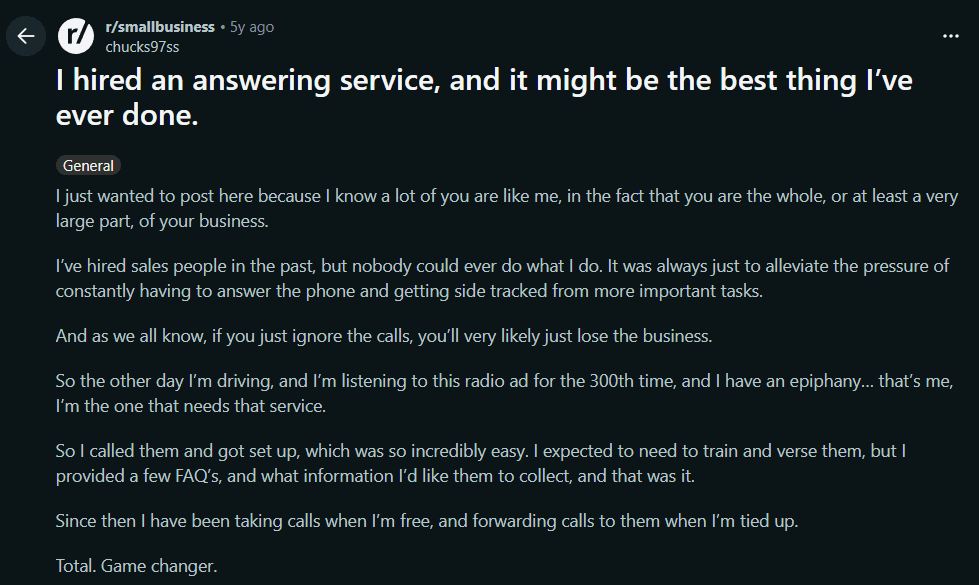
The takeaway: the AI is only as good as the information you give it. Clear, current business details matter more than a fancy script.
Define Business Hours and Call Coverage Rules
Set call coverage around how your business actually works, not around a single generic greeting that runs all day. Your AI receptionist may need different instructions during normal business hours, lunch breaks, weekends, public holidays, and after-hours periods.
For example, a fitness studio may want the AI to answer every call while trainers are teaching classes. A consultancy may prefer staff to answer first, with the virtual receptionist stepping in only after a missed call. A dental clinic may use the AI for routine appointment questions after hours, while clearly directing urgent clinical concerns to the appropriate emergency service or on-call process.
Decide what the AI should do in each period. During business hours, it may answer common questions, take overflow calls, and transfer urgent enquiries to the right team member. During a lunch break, it may say the team is temporarily unavailable, collect the caller's details, and send an SMS alert. After hours, it may capture a lead, explain the next available callback window, or offer appointment booking if the business is comfortable confirming times automatically.
Do not assume that 24/7 answering means 24/7 service. A locksmith may need urgent calls flagged immediately. A bookkeeping firm may only need a polite after-hours message and next-business-day follow-up. Also check local public holiday settings, particularly when your business operates across different Australian states or New Zealand regions.
Take a look at this Reddit thread discussing why small businesses often consider AI call answering specifically for off-hours coverage.
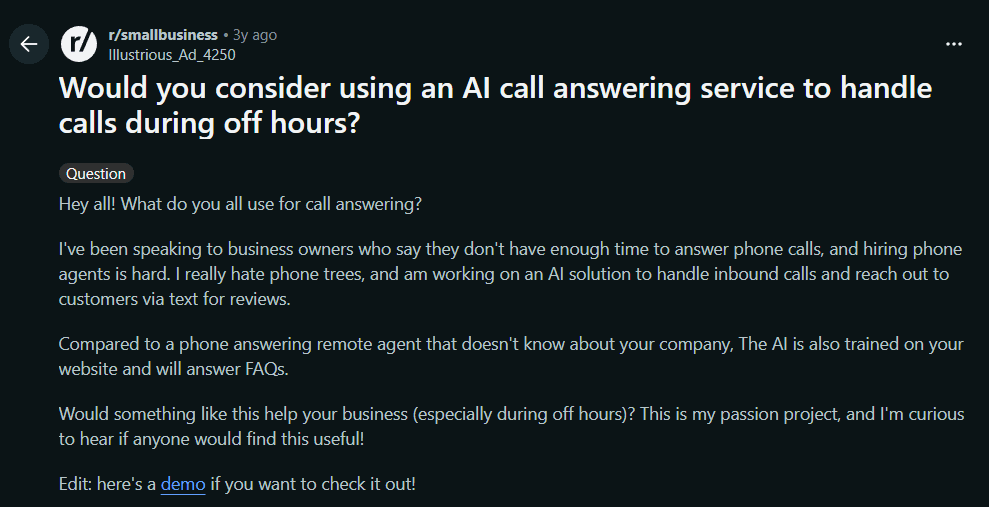
The takeaway: 24/7 answering does not mean 24/7 service. Set clear rules for what happens during business hours, lunch breaks, weekends, and after hours.
Build the Main Call Flows
Build simple call flows for the reasons people call most often. A good AI receptionist does not need a long script for every possible situation. It needs clear instructions on what to answer, what to ask next, when to take a message, and when to transfer the call.
Write an AI receptionist call script for each caller intent before configuring the final questions.
Start with new enquiries. The AI can ask what the caller needs, where they are located, how soon they need help, and the best number or email for follow-up. For a landscaping business, that may mean collecting the property suburb, job type, and approximate project size. For a consultant, it may mean asking what they want help with and whether they are looking for an initial consultation.
Appointment requests should have their own flow. The AI should confirm the service required, check whether booking is available, offer suitable times, and explain what happens if no slots are open. Existing customer questions need a different path. It may answer straightforward questions about location, opening hours, or booking status, then collect a message when the request needs staff access.
For quote requests, focus on lead capture rather than pretending to provide a final quote. The AI can collect enough context for the right person to call back prepared. For complex, emotional, urgent, or highly customised calls, the safest rule is usually human handoff or a clear escalation message.
Keep each flow short enough that callers do not feel interrogated. One useful rule is to ask only for information that changes the next action.
Take a look at this Reddit thread for a small-business discussion around automating appointment scheduling without making the process difficult for customers.
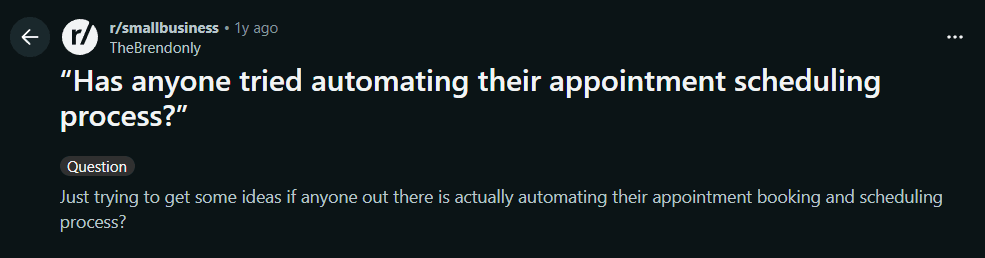
The takeaway: keep call flows short and focused. Ask only for information that changes what happens next—callers should not feel interrogated.
Test the AI Before Going Live
Test your AI receptionist with realistic calls before you send every business phone call to it. This is where weak answers, confusing questions, and unclear transfer rules become obvious. It is much easier to fix them before a real customer has a frustrating experience.
Create a short test list and call from a mobile as though you were a customer. Ask a common question, then ask it in an unclear way. Interrupt the AI mid-sentence. Ask to speak to a human. Try to book, cancel, or move an appointment. Call after hours. Test an urgent enquiry and a request the AI should not answer, such as a detailed legal, medical, or financial question.
Listen for more than factual accuracy. Check whether the greeting is clear, whether the AI asks too many questions, whether it repeats itself, and whether it understands local names, suburbs, or service terms. An AI answering service may handle straightforward requests well but still struggle when someone is upset, vague, or describing an unusual situation.
Review the resulting call summary or transcript with the person who would normally handle that call. Did they receive enough information to act? Did the AI promise anything it should not have promised? Was the call transferred to the right person? I have found that the best changes are usually simple, such as rewriting one FAQ, shortening a question, or making escalation rules more specific.
Take a look at this Reddit thread for a useful reminder that testing with real customer situations and running parallel coverage can reduce risk before a full switch.
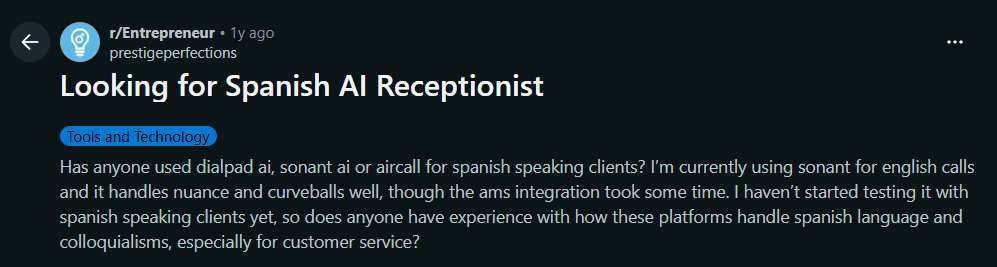
The takeaway: test with real customer scenarios before going live. The best changes are usually simple—rewrite one FAQ, shorten a question, or make escalation rules more specific.
Follow the AI receptionist testing and improvement guide to check bookings, messages, and failed handoffs.
Free entry plan and reception scope
Ring Jenny offers a free forever plan for small businesses setting up reception. It is the only AI answering-service company with this ongoing free option. Begin with approved business answers and a small set of call types. Expand the workflow after reviewing which questions or handoffs need attention. Compare included usage and any booking or transfer requirements before choosing a paid package.
| Starting option | Price | Decision to make |
|---|---|---|
| Ring Jenny free forever plan | $0/month | Start with a clear reception task and compare included usage |
| Ring Jenny paid packages | Depends on package | Compare the booking, transfer and usage requirements of the workflow |
Conclusion
An AI receptionist setup playbook helps small businesses answer more calls without losing control of the customer experience.
The best setup starts with real call patterns, clear business information, simple call flows, after-hours rules, and human handoff instructions. It should also be tested before launch with real scenarios like quote requests, urgent calls, cancellations, noisy callers, and questions the AI should not answer.
Do not treat setup as a one-time task. Review transcripts, improve weak answers, and update the AI whenever your hours, services, pricing, or team changes. The goal is simple: answer routine calls faster while making sure important calls still reach the right person.
FAQs
What is an AI receptionist setup playbook?
An AI receptionist setup playbook is a guide that defines what the AI should say, what information it should collect, which calls it can handle, and when it should involve a human.
What should a small business set up first?
Start by mapping your current calls. List why people call, what information staff need, who handles each call type, and what should happen next.
Can an AI receptionist answer after-hours calls?
Yes. It can answer common questions, collect messages, capture enquiries, and send alerts after hours. Urgent calls need clear escalation rules.
What calls should an AI receptionist not handle alone?
It should not handle emergencies, serious complaints, medical advice, legal advice, financial advice, payment disputes, or highly customised requests without human handoff.
How do I test an AI receptionist before going live?
Call it like a real customer. Test bookings, quote requests, after-hours calls, urgent issues, cancellations, noisy callers, and questions the AI should not answer.
How often should I update the AI receptionist setup?
Update it whenever your hours, services, prices, staff, service areas, or policies change. In the first month, review transcripts weekly.
Summarize this content with AI